Content Automation SEO: A Guide to Building a Sustainable Workflow
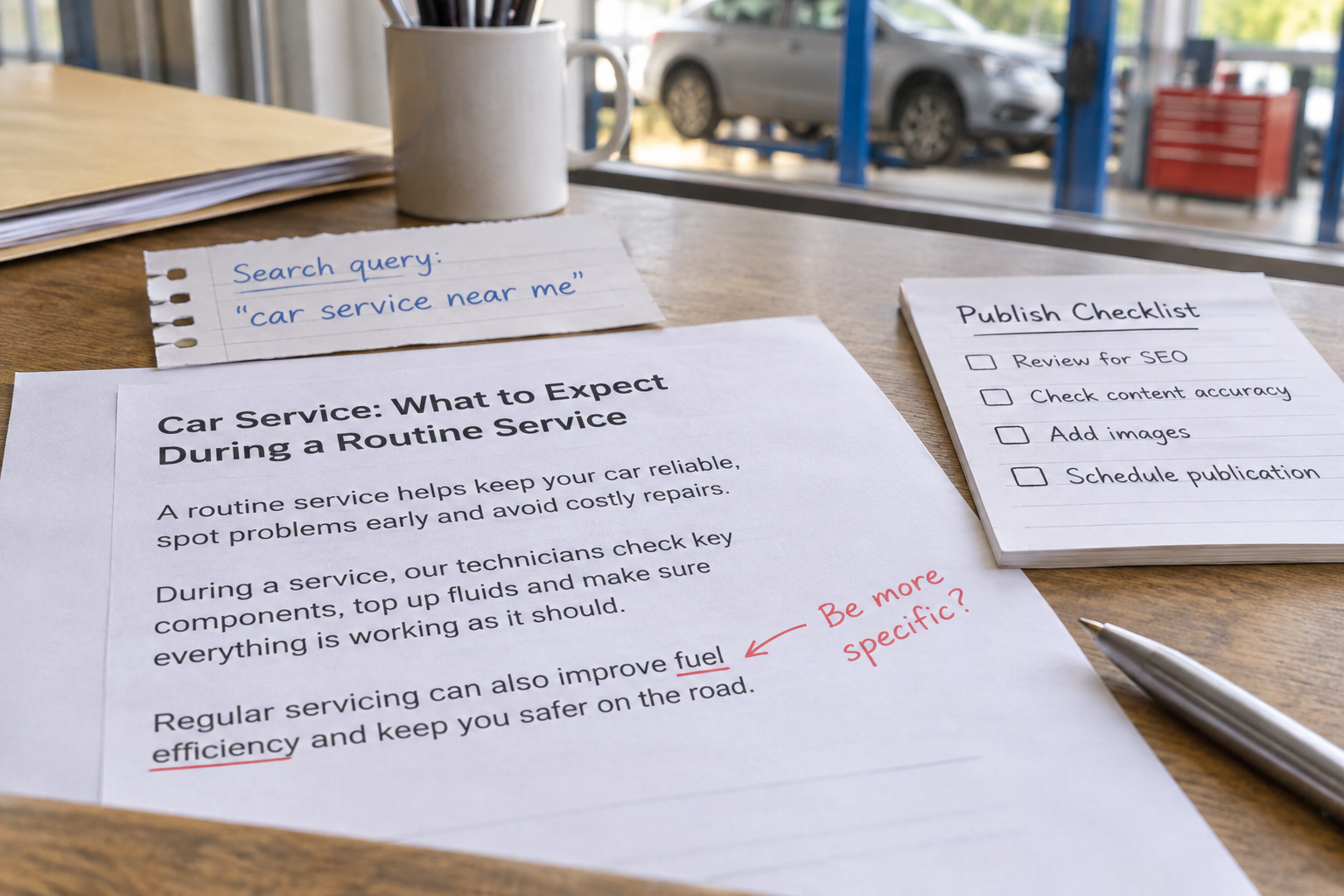
Content automation SEO is the use of software to help research, create, schedule and publish content for organic search. It can reduce repetitive work, but it does not replace a useful strategy or editorial judgement. The strongest workflows combine automation with checks for accuracy, relevance and a good experience for readers.
What Is Content Automation SEO?
Content automation for SEO covers the repeatable steps involved in producing search-focused website content. Depending on the tools you choose, it might include discovering search topics, preparing briefs, generating drafts, organising a calendar and sending articles to your website.
The goal is not simply to publish more pages. It is to make a worthwhile publishing process easier to maintain. A useful article still needs to answer a real question, reflect your business accurately and give readers a reason to trust it.

Some businesses automate individual tasks while keeping writing and publishing manual. Others use a connected service to handle the process from keyword research through to publication. The right level of automation depends on your resources, your subject matter and how much review each article needs.
For example, a straightforward article explaining a common service question may be suitable for a lighter review than an article containing financial, medical or legal information. Automation can help prepare either, but the consequences of an error are not the same.
Which Parts of the SEO Content Process Can You Automate?
Think of the process as a chain of decisions and tasks. Software can make many of the tasks faster, but a person should still set the direction and decide what constitutes an acceptable article.
- Topic discovery: Find search phrases and group related questions into potential article ideas.
- Planning: Organise topics by priority, assign work and place publication dates on a calendar.
- Drafting: Generate a first draft using an agreed subject, audience and brand context.
- Editing support: Identify passages that need clarification, structure or further review.
- Publishing: Send approved content to a connected website or use an integration to move it between systems.
- Maintenance: Keep a record of published pages and schedule reviews when information changes.
Not every platform handles every step, and integrations may have different capabilities. Before relying on a tool, check how it transfers titles, formatting, links and publication status to your particular website. A workflow that produces a draft is different from one that publishes it automatically.
For more detail on connecting the stages, see the automated content creation and posting playbook. Treat it as a way to map the handoffs in your own process, not as a reason to automate decisions you have not yet defined.
How Do Content Automation Approaches Compare?
The best choice is the one your team can operate and review consistently. Compare not just the writing step, but also who owns research, approvals and publication.
| Approach | How it works | Best suited to | Main trade-off |
|---|---|---|---|
| Manual workflow | A person researches, writes, edits and uploads each article. | Teams with specialist knowledge and time for hands-on production. | High editorial control, but routine tasks can take substantial attention. |
| Separate tools | Different tools support research, writing, scheduling and publishing. | Teams that want to choose each component independently. | Flexible, but handoffs and duplicated information need management. |
| Custom automation | A team connects tools or builds scripts to move content through a chosen workflow. | Teams with technical capacity and particular integration requirements. | Adaptable, but someone must maintain and troubleshoot it. |
| Connected content service | One service combines several stages, potentially including website publication. | Busy owners and agencies that want fewer manual handoffs. | Convenient, but you should check integration fit and review controls. |
When evaluating options, run a representative article through the whole workflow. Check the time spent correcting the draft, moving it to the site and confirming that it displays properly. The useful comparison is the work left for your team, not just the number of features on a pricing page.
Also consider whether a tool supports your actual publishing arrangements. An agency with several client sites may need separate access and a clear view of each schedule, while a solo owner may value a simpler setup. Neither needs a complex process merely because it is available.
How Do You Choose Topics Worth Publishing?
Start with the questions your customers ask before they buy, while they compare options and after they become customers. Search phrases are clues to those needs, not instructions to produce a separate article for every variation of a sentence.

- Collect candidate topics. Use customer enquiries, sales conversations and keyword research to identify recurring questions.
- Check the intent. Decide whether someone searching is looking for an explanation, a comparison, a service or a product.
- Review your existing pages. Update a relevant page where it already answers the question, rather than automatically creating a competing article.
- Assess your contribution. Identify the practical knowledge, examples or service context your business can add.
- Prioritise. Choose topics that matter to your audience and are plausible for your team to cover well.
A hypothetical home maintenance business, for instance, might notice repeated customer questions about preparing a property for winter. It could group related questions into one helpful guide, then link readers to relevant service information where appropriate. The business should check any safety advice before publication rather than assuming a generated draft is correct.
Avoid treating a keyword list as a content calendar by itself. Several phrases may have the same intent, and a topic may be popular without being relevant to your business. The small business keyword research guide explores how to make those choices more practically.
How Do You Build a Reliable Publishing Workflow?
Define the steps before turning on automation. A clear process lets you see where a tool helps and where a human decision is still needed.
Set the brief and brand context
Describe your audience, the problem the article should solve and the action a reader might reasonably take next. Add your preferred tone, terminology to use or avoid, and any facts that must be checked against an authoritative source. If you serve a particular location, make that context clear without suggesting that every article needs a location repeated throughout it.
Review the draft for usefulness
Read as a customer would. Does the article answer the question early? Are the recommendations specific enough to act on? Remove unsupported claims, repeated points and advice that does not fit your service. Check links and make sure any examples are labelled as hypothetical when they are not based on a real case.

Google's guidance on creating helpful, reliable, people-first content is a useful reference when deciding whether a page genuinely serves readers. An automated draft should meet the same standard as any other article you publish.
Approve, schedule and inspect
Give a named person responsibility for approval, even if one person handles several roles. Schedule the piece, check its live formatting and confirm that the title, links and relevant images are correct. Keep a record of the publication date and the person responsible for future updates.
Epicurus One brings keyword research, article creation, a drag-and-drop content calendar and auto-publishing into one service. It connects directly to WordPress, Shopify and Wix, and can publish via Make or Zapier. You can manage multiple sites from one account and use team access controls. To try the workflow, start a free trial with Epicurus One.
What Should You Check Before Auto-Publishing?
Auto-publishing removes a manual handoff; it does not remove responsibility for the page. Decide in advance which content can follow an automatic schedule and which needs individual approval. If your process cannot support a suitable check, keep the publication step manual for that type of article.
- Accuracy: Verify product details, claims, dates and references. Remove anything you cannot substantiate.
- Reader value: Confirm that the article answers a specific question and does not merely repeat generic advice.
- Brand fit: Check that the language, recommendations and calls to action reflect what your business actually offers.
- Links and formatting: Test links and inspect headings, lists and spacing on the live site.
- Risk: Route sensitive or specialist subjects to an appropriately qualified reviewer.
- Ownership: Record who can change the schedule, publish content and respond if a page needs correcting.
Pay particular attention to claims about your own business. A generated article may sound confident while describing a service, guarantee or offer that does not exist. Supply current business information and check the result against it.
Google's search spam policies explain practices to avoid, including scaled content abuse. Using automation is not a substitute for making pages useful; producing many low-value pages to manipulate rankings can create a problem rather than solve one.
How Can You Manage Multiple Sites and a Content Calendar?
A shared calendar helps prevent a promising plan from becoming a collection of unfinished drafts. For each article, record the site, topic, intended audience, owner, review status and target publication date. Add a note when a piece depends on an expert review or current product information.

For an agency, separate client context is essential. A useful rule is to check the destination site and brand brief at every handoff. Give team members access appropriate to their role, and agree who can approve a change to a publication date or article. This reduces confusion without requiring every person to manage every site.
For a business owner, the calendar can be simpler: keep a manageable queue of topics, designate a regular review slot and leave room for updates to existing pages. A sustainable schedule is one you can check and maintain, not the most ambitious schedule a tool allows.
Epicurus One includes a drag-and-drop calendar and supports multiple sites in one account. Before connecting a site, confirm that your publishing route and team permissions suit your process. For a broader look at planning choices, read the guide to choosing software for a content calendar.
How Should You Measure and Improve Your Content?
Publishing is the beginning of the feedback loop. Review pages at sensible intervals and look for evidence that they are being discovered, read and used. Search visibility matters, but it is only one part of the picture: an article can attract relevant visitors and still need a clearer next step.
- Check discovery: Use your available search reporting to see which pages appear for relevant queries and whether people reach them.
- Assess engagement: Look at the behaviour data available to you alongside the article itself; a single metric rarely explains whether a page is useful.
- Review business relevance: Check whether the article still reflects your services and answers questions customers actually ask.
- Maintain accuracy: Update outdated information, repair broken links and revisit claims when source material changes.
- Decide what happens next: Improve, combine or leave a page alone based on its purpose and condition rather than a fixed publishing target.

Keep expectations realistic. Search performance can change for many reasons, and neither automation nor a publication schedule guarantees rankings or traffic. If a page is not performing as hoped, inspect the match between its subject and reader intent before deciding that you need more articles on the same topic.
See the Workflow in Practice
A practical demonstration can help you visualise the handoffs between topic research, drafting and publication. When watching one, focus on which steps are automated, what a reviewer must check and how the final article reaches the website.
Frequently Asked Questions
Does automated content rank in search?
It can appear in search, but automation alone does not guarantee visibility or rankings. Search engines assess content against their own systems and policies. Focus on whether each page is useful, accurate and appropriate for the searcher's needs, then monitor its performance and improve it where necessary.
Can I automate content for WordPress, Shopify and Wix?
Yes, provided the service you choose supports your platform and the publishing process you need. Epicurus One connects directly to WordPress, Shopify and Wix. Test the connection and inspect a published article so you know how headings, links and formatting appear on your site.
Do I still need to review AI-generated articles?
Yes. Review is important for accuracy, brand fit and reader value, even when drafting and publication are automated. Set a higher level of scrutiny for sensitive topics or claims that could affect important decisions. A named reviewer also makes it clear who can correct an issue after publication.
Can an agency use one workflow for several clients?
An agency can use a shared workflow, but it should keep each client's site, brand context and approval responsibilities distinct. Check the destination before publishing and give team members suitable access. Epicurus One supports multiple sites from one account and includes team access controls.
Can I try Epicurus One before committing?
Epicurus One offers a free site scan that takes about 10 seconds and a three-day free trial that delivers daily articles. Use the trial to assess topic relevance, the editing work required and how the publishing workflow fits your website. Check the current terms before deciding whether to continue.
Ready to put a manageable content process in place? Start your free trial with Epicurus One and explore how the workflow fits your site.