Content Calendar Software Free: Costs and Value for Busy Teams

Content calendar software free plans can help you organise topics, deadlines and publishing responsibilities without an immediate subscription. Their value depends on what they include and how much work remains outside the calendar. For busy business owners and agencies, the important comparison is not just the monthly price: it is the time, coordination and publishing effort each workflow requires.
What Does Content Calendar Software Free Actually Include?
A content calendar gives planned content a place on a schedule. Depending on the tool, that might mean a simple list of topics and dates, a monthly calendar view, or a board where cards move between stages. A free version may be enough to keep an individual focused, especially when the website has a modest publishing schedule.
Free does not necessarily mean the whole publishing process is covered. You may still need to research keywords, write articles, review drafts, upload images and publish each post in your website platform. Some free tools also restrict users, projects, storage or integrations. Check the current terms before committing, because features and limits can change.
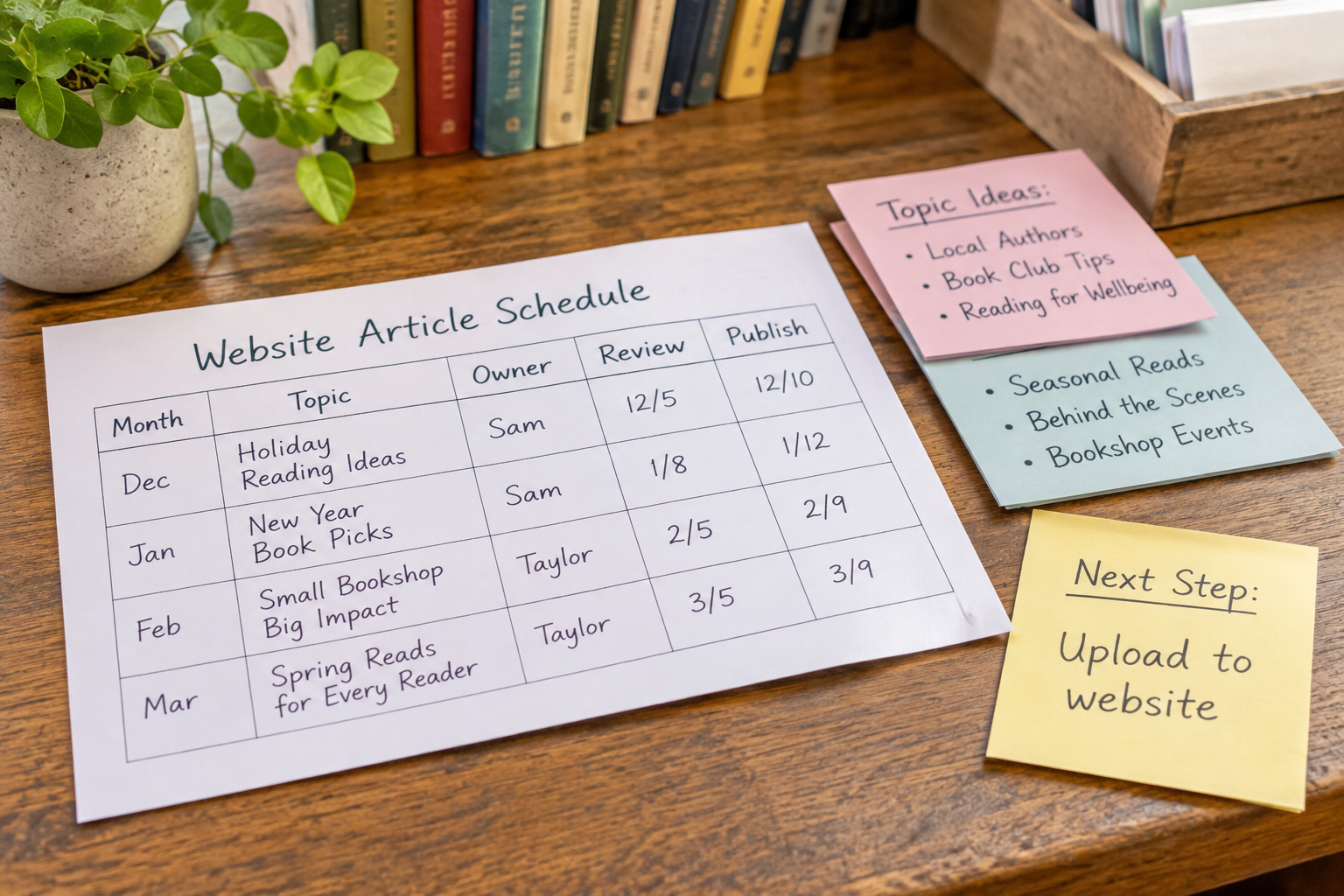
Start by separating the calendar from the work around it. A calendar answers what is due and when; a content workflow also answers why this topic, who owns it, whether it is ready and how it reaches the site. The right choice depends on how many of those questions you need the software to handle.
How Do Free and Paid Approaches Compare?
The following comparison describes common approaches rather than named products or guaranteed plan features. Prices and limits vary by provider, so use it as a shortlist-building guide rather than a substitute for checking current offers.
| Approach | Typical cash cost | What you may get | Work or limits to check | Best fit |
|---|---|---|---|---|
| Spreadsheet or document | Often available at no additional cost | Dates, topics, owners and links in a flexible layout | Manual reminders, version control, publishing and reporting | One person or a small, simple schedule |
| Free calendar or project tool | Free within the provider's plan limits | Calendar or board views, task cards and basic collaboration | User, project, integration or automation limits; website publishing may remain manual | A team that needs clearer ownership |
| Paid planning tool | Recurring subscription; may vary by user or workspace | Potentially broader views, permissions, integrations and automation | Confirm which features are included and whether the cost grows with the team | Teams managing approvals or several schedules |
| Automated SEO content service | Recurring subscription after any applicable trial; check current terms | May combine topic research, article creation, scheduling and publishing | Review quality, platform connections, access controls and publishing settings | Businesses that want to reduce manual production work |
A paid plan is not automatically better. If you already have a writer, a reliable approval process and a comfortable publishing routine, a free calendar may be the sensible choice. If the calendar is full but articles rarely reach the website, the missing piece may be production or publishing capacity rather than another planning view.
For a closer look at common assumptions about planning tools, read our guide to content calendar software myths and facts.
Where Do the Hidden Costs Sit?
The most useful cost comparison follows an article from idea to publication. A free tool can be inexpensive in cash terms while requiring substantial attention from the people using it. Those hours are not a fee charged by the provider, but they are still capacity your team cannot spend elsewhere.
Planning and keyword research
A calendar does not automatically tell you whether a topic matches what prospective customers search for. Someone needs to gather ideas, assess relevance and decide which pages are worth creating. Without that step, a neat schedule can become a list of articles that are easy to write but not useful to the intended reader.
Record the intended search query, the reader's question and the purpose of each article. You do not need a complex scoring system to begin. A short explanation of why the topic matters to your customers is more useful than a priority label nobody understands.

Production and review
Writing is only one part of production. Someone must check claims, add relevant examples, verify links and make sure the draft sounds like the business. If several people review the same article, unclear ownership can turn a free calendar into a trail of comments and separate documents.
Decide who can mark a draft ready and where feedback belongs. A simple status such as “needs review” is useful only if the reviewer knows what to check and when to respond. For regulated or technical subjects, allow for a subject specialist to verify the details before publication.
Uploading and maintenance
Manual publishing can involve copying text into a content management system, checking formatting, adding links and images, setting a publication date and confirming the page is live. After publication, articles may need corrections or updates. These tasks can be manageable on a small schedule but become harder to coordinate across several sites.
Avoid treating every unfinished task as a software problem. If nobody owns final approval, automation alone cannot fix the delay. Equally, if a capable team repeatedly copies approved articles between systems, a publishing connection may remove a genuine bottleneck.
How Can You Estimate the Value of a Calendar?
Use a simple workflow estimate before comparing subscriptions. List the tasks that happen for a typical article, who performs each one and the approximate time involved. Include interruptions and handovers where they are significant, but do not assume that every minute saved becomes additional revenue.
- Choose a representative article. Use a normal post rather than an unusually difficult launch or one-off announcement.
- Map the current steps. Include research, briefing, writing, review, uploading and post-publication checks.
- Identify repeated effort. Look for copying details between tools, chasing approvals and re-entering publication dates.
- Compare the alternative. Note which tasks a tool actually removes, which it only reorganises and which still need a person.
- Check the full subscription. Include any extra users, workspaces or integrations needed for your intended workflow.
Hypothetical example: a small business owner uses a free calendar to plan articles but also researches topics, writes drafts and uploads every post. A paid tool that only improves the calendar view may offer limited value to that owner. A service that supports research, drafting and publishing could address more of the workload, provided the owner is comfortable reviewing its output and connection settings.
For an agency, the calculation may be different. Client permissions, separate site schedules and a clear approval record can be valuable even when the team already has writers. Compare the total workflow for each client, not just the price of a single calendar seat.
Which Features Matter Before You Upgrade?
Match features to a real problem rather than buying the longest list. A free plan may already cover your essentials, while a specific restriction could justify a paid plan.
- Calendar and board views: Can you see upcoming work and move it when priorities change? A drag-and-drop calendar can make rescheduling easier, but a straightforward list may be enough.
- Owners and statuses: Can every article have a responsible person and a clear next step? Check whether guests or reviewers need paid access.
- Multiple sites: Can you separate schedules and permissions without creating confusing duplicate workspaces?
- Research and briefs: Is there a practical way to capture a target query, audience, article purpose and source links?
- Publishing connections: Does the tool connect to your website platform directly, through another service or not at all? Check what each connection can actually do.
- Access controls: Can you limit who changes settings, edits content or publishes? Confirm how client access works before inviting a team.
- Export and continuity: Can you retrieve your plan and drafts if you change tools? Test this before the calendar becomes your only record.

Epicurus One brings keyword research, on-brand article creation and a drag-and-drop calendar into one service. It supports multiple sites in one account, includes team access controls and connects directly to WordPress, Shopify and Wix. Publishing is also possible via Make or Zapier. Check the integration and permissions that suit your setup before relying on automatic publication.
If you want to explore a workflow beyond planning alone, start a free trial of Epicurus One. You can also scan a site free in about 10 seconds; the three-day free trial delivers daily articles.
How Do You Build a Useful Free Content Calendar?
Begin with the simplest system your team will actually maintain. A spreadsheet, document or free project board can work if each article has enough context to move forward without a separate conversation.
Create one row or card per article and include these fields:
- Working title and topic: A clear description that someone outside the planning conversation can understand.
- Target reader and question: Who the piece is for and what they need answered.
- Relevant search query: The phrase or topic the article is intended to address, where appropriate.
- Owner and reviewer: Named responsibilities for the draft and final checks.
- Status and dates: Separate drafting, review and intended publication dates if the work involves handovers.
- Draft and source links: A single place to find the current draft and evidence.
- Destination: The website or client account, plus a link to the published page once available.
Keep statuses few and meaningful: for example, idea, drafting, review, ready and published. Agree on what must happen before a card moves to the next stage. “Ready” might mean the claims have been checked, the client has approved the copy and the destination is confirmed.
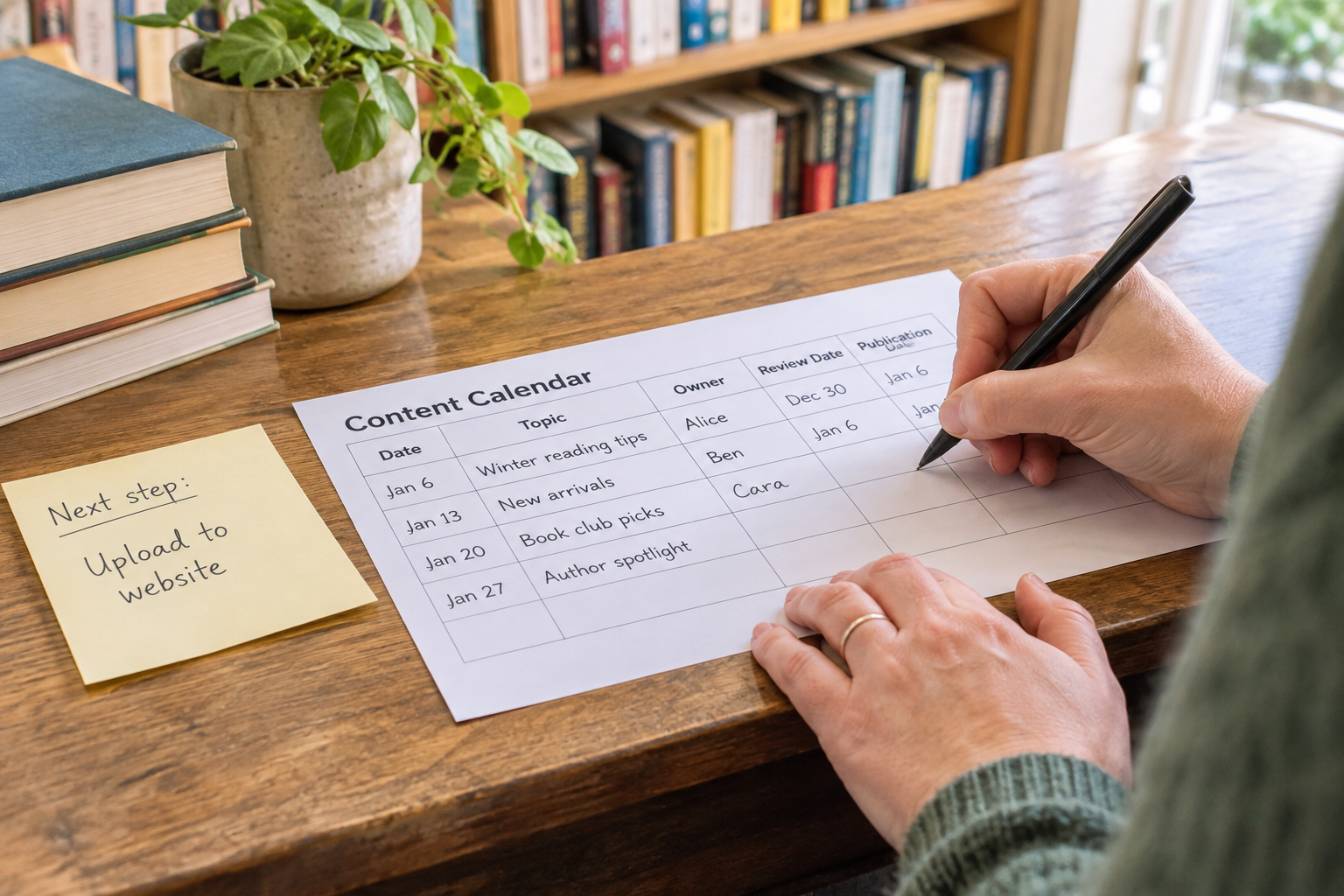
Plan at a pace you can sustain. It is better to publish useful, checked articles consistently than to fill a calendar with deadlines nobody can meet. Google's guidance on creating helpful, reliable, people-first content is a useful reference when deciding whether a planned article serves readers rather than simply filling a slot.
Review the calendar regularly. Move delayed work openly, remove ideas that no longer serve the business and add follow-up tasks for pages that need updates. A calendar is a working record, not a promise that every original date will remain fixed.
What Should You Check Before Automating Publishing?
Automation can reduce repetitive steps, but it also moves decisions earlier in the process. Before connecting a website, decide what the system may publish, who reviews content and how errors will be corrected. Treat these decisions as part of the workflow, not an afterthought.
- Confirm the destination. Check the correct website, account and content type, especially if you manage multiple clients.
- Set access deliberately. Give each user and integration the access needed for its role, and remove access when it is no longer required.
- Agree on review rules. Decide whether drafts require human approval before they are scheduled or published.
- Check the page after publishing. Review the title, formatting, links, images and intended publication status on the live site.
- Keep a correction route. Make sure someone can edit, unpublish or update an article if a problem is found.
Platform roles matter as much as the calendar's own permissions. For a WordPress site, consult the WordPress guide to roles and capabilities when deciding what access each person needs. For other platforms or integration services, check their current documentation and test the connection with an appropriate non-sensitive draft.

Automation does not guarantee accuracy or search performance. Articles still need to be relevant, factually sound and appropriate for your audience. The goal is to remove unnecessary handling while retaining responsibility for what appears on your site.
See a Content Calendar Workflow in Action
A practical demonstration can help you decide which stages belong in your calendar and which require a separate writing or publishing tool. Look for a walkthrough that shows ownership, review and handover, rather than just a colourful monthly view.
As you watch, compare the demonstrated steps with your own process. Note where information is copied, who approves a draft and whether the calendar actually connects to the destination website.
Frequently Asked Questions
Is a spreadsheet enough for a content calendar?
Yes, if it gives you a reliable view of topics, dates, owners and draft links. A spreadsheet is particularly practical for an individual or a small team with a straightforward schedule. Consider a dedicated tool when access, reminders, approvals or multiple site schedules become difficult to manage consistently.
Can free content calendar software publish articles automatically?
Some tools or integrations may offer publishing features on a free plan, while others reserve them for paid plans or do not support website publishing. Check the current plan terms, supported platforms and any integration limits. Also confirm whether the connection creates a draft, schedules a post or publishes it immediately.
How is an SEO content calendar different from a social media calendar?
An SEO content calendar usually plans website pages or articles around reader needs and relevant search topics. A social media calendar often focuses on channel-specific posts and distribution dates. The two can work together: a published article can provide material for social posts, but each channel still needs content suited to its audience.
Should an agency keep client calendars separate?
Separate views or workspaces can make ownership, deadlines and permissions clearer, particularly when clients should not see one another's content. The right structure depends on the tool and the agency's workflow. Check access controls, user costs and whether staff can still see their own tasks across accounts.
When is a paid content workflow worth considering?
Consider paying when a specific limitation is causing meaningful friction: perhaps reviewers cannot access drafts, the team manages several sites, or manual publishing consumes capacity. Compare the subscription and setup effort with the work it actually changes. Keep the free option if it meets your needs without creating a persistent bottleneck.
Ready to spend less time moving articles between tools? Try Epicurus One's free site scan or start the free trial through the link above.