How to Build a Content at Scale Website

Building a content at scale website means creating a repeatable way to find relevant search topics, produce useful articles and publish them consistently. Start with your customers’ questions, group them by intent and set a realistic editorial schedule. Automation can handle parts of research and publishing, but your team still needs to check accuracy, relevance and performance.
1. What Does a Content at Scale Website Need?
Scaling content is not simply publishing as many pages as possible. It is building a process that helps the right people find useful answers on your website, while keeping the work manageable as your library grows.
Before choosing tools or setting a publishing target, decide what your content should help the business do. An online shop might want to answer product-selection questions. A service business might need to explain options and help prospects decide whether to enquire. An agency may need a repeatable workflow across several client sites, each with its own audience and approval process.
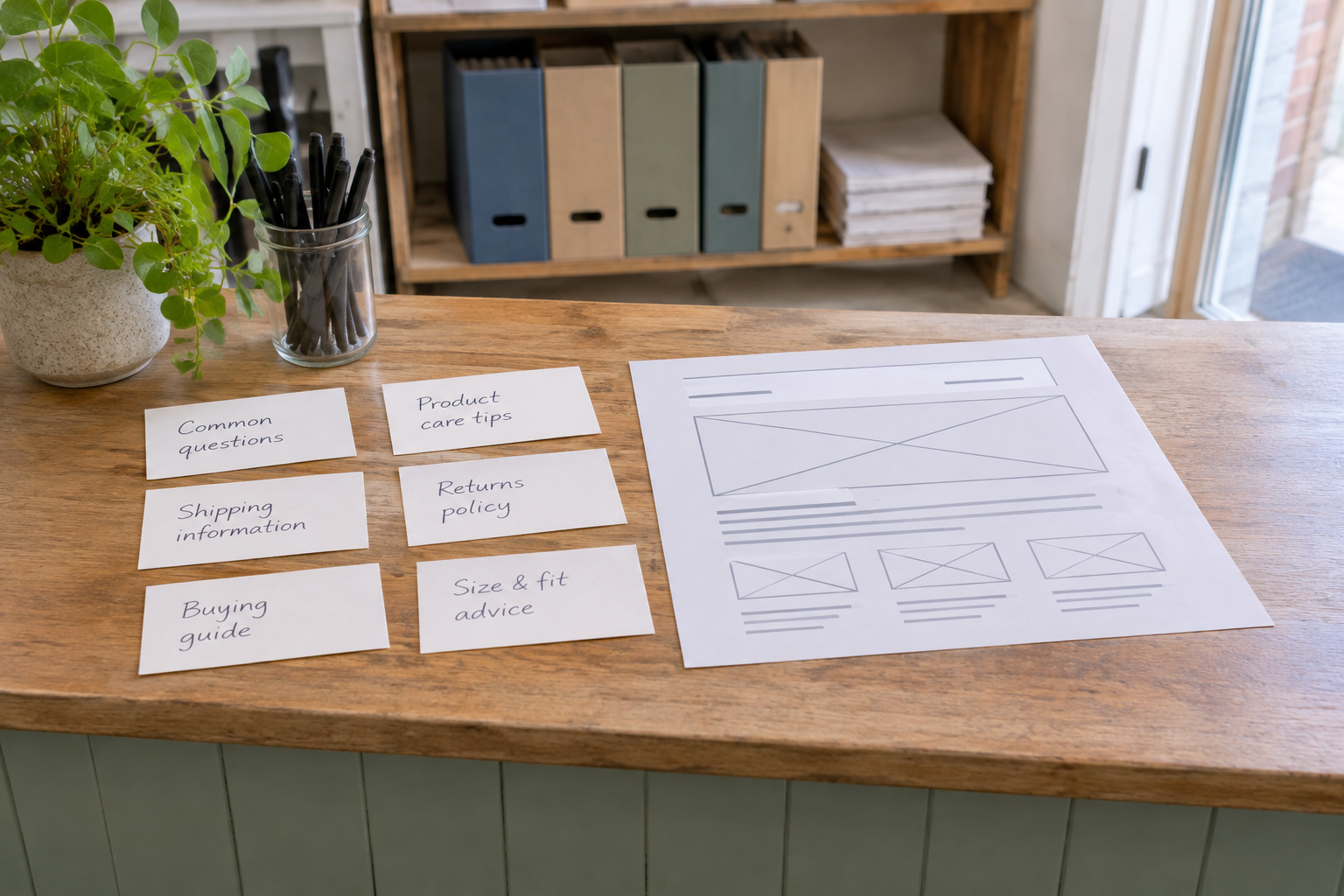
Write down your primary audience, the products or services you want to support and the action a relevant reader might take next. Then define the boundaries of the project: which sites are included, who can publish, which topics need specialist review and how often the team can realistically check the content.
Keep quality in view from the outset. Google’s guidance on creating helpful, reliable, people-first content is a useful reference when deciding whether a page exists to help readers rather than merely attract search visits. A scalable workflow should make it easier to meet that standard, not bypass it.
2. How Do You Find Topics Your Customers Search For?
Start with questions customers already ask. Review sales conversations, support enquiries, product descriptions and the language people use when comparing options. These sources give you a practical starting point even before you open a keyword research tool.
Turn those questions into candidate search phrases, then look at the pages currently appearing for them. Are searchers looking for a definition, a comparison, instructions or a provider? A phrase may be relevant to your business but still be a poor fit for an article if the search results mainly show product pages or local listings.
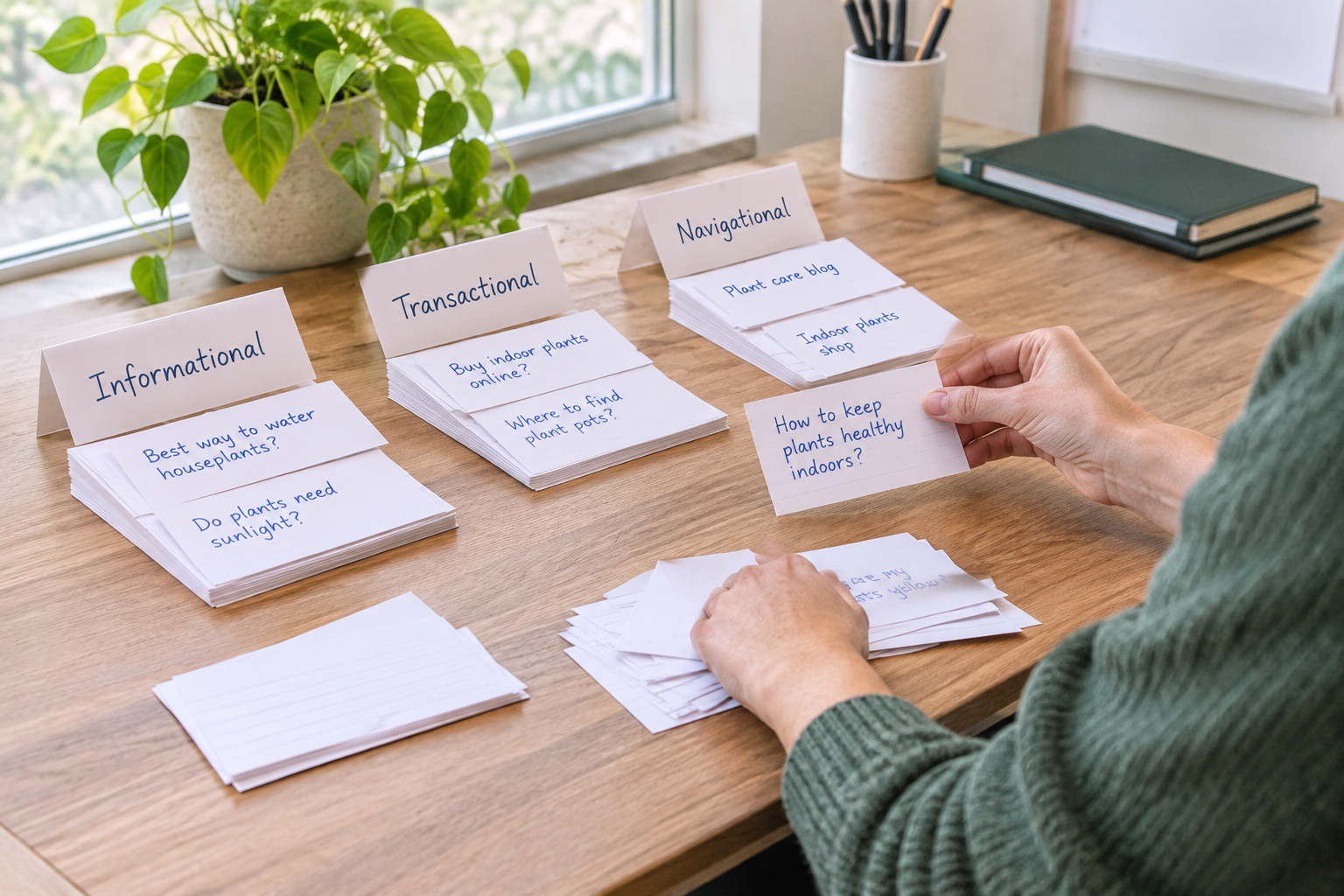
Group closely related phrases around one useful page rather than creating a separate article for every variation. For example, a hypothetical gardening supplier could cover several questions about choosing compost in one guide, while keeping a separate page for compost delivery if that serves a different need. Check your existing site before commissioning a new page: an update may be more useful than a duplicate.
Prioritise topics using three questions: Is the subject relevant to the business? Can the team offer a genuinely helpful answer? Is the intended next step clear? Search demand matters, but a topic with a plausible connection to a product or service may be more valuable than a broad subject that attracts the wrong audience. For a deeper process, use this keyword research strategy checklist.
Keep a note of the question behind each phrase and where you found it. When several suggestions overlap, compare the answers a reader would expect rather than just the wording. If one question needs substantially different advice or a different next step, it may deserve its own page. Set aside ideas your team cannot answer confidently until you have an appropriate source or reviewer.
3. Map Topics to Pages and Reader Intent
Once you have a shortlist, create a simple page map. Give each proposed article a primary question, an intended reader and a distinct purpose. Note the relevant product, service or existing guide it should connect to. This prevents your calendar from becoming a collection of unrelated keywords.
The following table shows how a hypothetical home-gardening business might turn topic ideas into a useful mix of pages. The examples are illustrations, not claims about actual search demand.
| Reader need | Possible page | Likely next step | Editorial check |
|---|---|---|---|
| Understand a problem | Why soil drains poorly | Read a guide to soil amendments | Explain common causes without diagnosing every garden |
| Compare options | How to choose compost for containers | Explore relevant compost products | Describe trade-offs and suitability |
| Complete a task | How to prepare a raised bed | View a materials list | Check instructions for clarity and safety |
| Find a service | Local garden delivery page | Check delivery availability | Keep service details and locations current |
Use a spreadsheet or content calendar to record the proposed URL, topic, owner, status and related pages. If an existing article already answers the same question, note whether it needs an update, a clearer title or a link from another page. Avoid publishing two near-identical pages simply to fill the schedule.
Keep commercial pages and informational articles distinct where their purposes differ. An article can explain how to make a choice and link to relevant products; a product page can provide the details needed to purchase. Both should help the visitor rather than forcing the same sales message into every paragraph.
As you map links between pages, describe why each connection helps. A soil article might lead to a guide on amendments because the latter explains possible next steps; it need not link to every product in the catalogue. Review the map when a page changes so that related articles still point readers to the most useful destination.
4. Build a Content Calendar Your Team Can Maintain
Choose a publishing cadence based on your capacity to review and maintain articles, not on an arbitrary volume target. A smaller schedule that your team can sustain is more useful than a large backlog of unreviewed drafts. Include time for updating existing pages as well as creating new ones.

For each calendar entry, record the working title, audience, search intent, owner, planned publication date and review status. Add notes for sources, internal links and any subject-matter expert who needs to check the piece. For agencies, include the client site and its specific approval requirements so that work does not drift between accounts.
A drag-and-drop calendar can make changes easier to see, but the process matters more than the interface. Agree on what happens when a draft misses review, when a client requests changes and when a scheduled article should be held back. A missed date is preferable to publishing inaccurate or unsuitable content.
Epicurus One combines keyword research, a drag-and-drop calendar and publishing tools in one account. If you want to try the workflow, start a free trial and use an initial article to test how well the process fits your team. The trial delivers daily articles over three days; review them against your own standards before deciding how to continue.
5. How Can You Create Articles Without Losing Your Voice?
Give writers or automated tools a concise brief for each article. Include the reader’s question, the purpose of the page, the main points to cover, relevant business context and links to reliable sources. Add examples of your preferred tone and terminology, along with claims the article must not make.
For a content at scale website, a reusable brand guide is especially useful. It can describe how formal the writing should be, whether to use first person, how to refer to products and when to invite readers to take action. Keep it short enough that reviewers can apply it consistently across articles and sites.

Review every draft for factual accuracy, clear explanations and relevance to the reader. Check technical advice with someone qualified when needed, and verify any statistics or attributed claims against their original sources. Remove unsupported promises, generic filler and examples that could be mistaken for real customer stories.
Automation can speed up a draft, but it cannot establish that every statement is correct or that an article reflects your business accurately. Google’s guidance on using generative AI content discusses the importance of accuracy, quality and relevance. Use those principles to set a review standard before increasing output.
Finally, make the article easy to use. Answer the main question early, organise the rest under descriptive headings and link to genuinely relevant pages. If the draft needs a large amount of specialist correction, improve the brief or route that topic to an expert rather than accepting the same problem repeatedly.
A practical review can follow the reader’s journey: check that the opening answers the stated question, then examine whether each section adds a necessary explanation or step. Test instructions in order and flag missing prerequisites or exceptions for the relevant reviewer. Record recurring changes in the brief or guide, rather than relying on an editor to remember them for every draft.
6. Connect Publishing and Set Approval Controls
Map the route from approved draft to live page before enabling automatic publishing. Identify the destination site, who owns the connection, what happens to scheduled posts and how the team will check the result. A reliable workflow should make it clear whether an article is a draft, awaiting review, scheduled or live.
Epicurus One connects directly to WordPress, Shopify and Wix. It can also publish via Make or Zapier, and supports multiple sites from one account. Check the setup for each destination and confirm that the people managing a site have the access they need. Do not assume that a connection automatically replaces your editorial or client approval process.

Before relying on a scheduled workflow, run a controlled test. Use a suitable draft, check the destination and review the published page for formatting, links and any site-specific requirements. If your organisation requires sign-off before publication, establish that step explicitly and confirm how it works with your chosen setup.
Document who can change the calendar, approve content and manage connections. For an agency, keep each client’s brand guidance and publishing arrangements separate. This reduces avoidable mistakes when several websites share the same team and account. The automated content creation and posting playbook offers more context on organising that workflow.
Include a correction procedure in that documentation. Record who should be notified if an article reaches the wrong site or an error appears after publication, and who can edit the live page. After a test, compare the approved draft with the live version, including headings and links, so that formatting problems can be addressed before the next scheduled post.
7. Measure, Refresh and Improve the Workflow
Publishing is the start of the feedback loop. Decide which measures relate to your original goal, then review them alongside the quality of the content itself. Depending on the page, useful signals might include relevant search visits, engagement with related pages or enquiries. A page can attract visitors without helping the business if it answers the wrong question or provides no sensible next step.
Use your site analytics and search reporting tools to identify pages that deserve attention. Look for articles with outdated information, unclear answers or internal links that no longer reflect your priorities. When an article is already useful, an update may be a better use of time than creating another page on the same topic.
Review the production process too. If drafts repeatedly need the same corrections, revise your brief or brand guidance. If approved posts are delayed, investigate the hand-off. If one site needs specialist review, give it a separate queue rather than slowing every other site. These adjustments make a content at scale website easier to maintain as the library grows.
When reviewing a page, compare its original purpose with what it now offers. Check whether the answer is still accurate, whether the linked next step remains available and whether the page addresses the reader’s question clearly. Record the changes made and revisit the page later; this gives the team a practical history instead of treating every refresh as a new project.
Watch: Planning a Scalable Content Workflow
For a visual introduction, look for a demonstration that covers topic selection, editorial review and publishing together. Compare the workflow shown with your own platform and approval requirements; a video about automation may not address every detail of your setup.
Use the demonstration as a starting point, then test each hand-off on your own site before increasing the publishing schedule.
Frequently Asked Questions
Does publishing more articles guarantee more organic traffic?
No. More articles create more pages to maintain, but they do not guarantee rankings or traffic. Relevance, usefulness, competition and technical accessibility all matter. Focus on questions your audience genuinely has, review each article and monitor whether the published pages support your goals. Improve or consolidate existing content when that is more useful than adding another page.
Can a small team manage content across several websites?
Yes, provided it has a clear process and enough review capacity. Separate each site’s audience, brand guidance, calendar and publishing permissions. Epicurus One lets teams run multiple sites from one account, but someone should still be responsible for checking site-specific accuracy, approvals and live pages. Start with a manageable schedule and adjust as you learn.
Should every article link to a product or service?
No. Include a commercial link when it is relevant to the reader’s next step, not simply because a page needs one. Some articles are better served by a link to another helpful guide or a related resource. If you do link to a product or service, make the connection clear and avoid disrupting the answer the visitor came to find.
What should I check before an automated article goes live?
Check the facts, tone, links, formatting and relevance to the intended reader. Confirm that any specialist or client approval has happened and that the article is going to the correct site. Review the published page after the first test of a new connection or workflow. Keep a clear route for correcting or updating content later.
Can I try Epicurus One before committing?
Epicurus One offers a free site scan that takes about 10 seconds and a three-day free trial that delivers daily articles. Use the trial to assess the article quality and publishing workflow against your own requirements. Check the current terms on the website before starting, including what happens after the trial ends.
Ready to test a more manageable publishing process? Start your free trial with Epicurus One.