Content-Aware Scale Website Images: Costs and Business Value
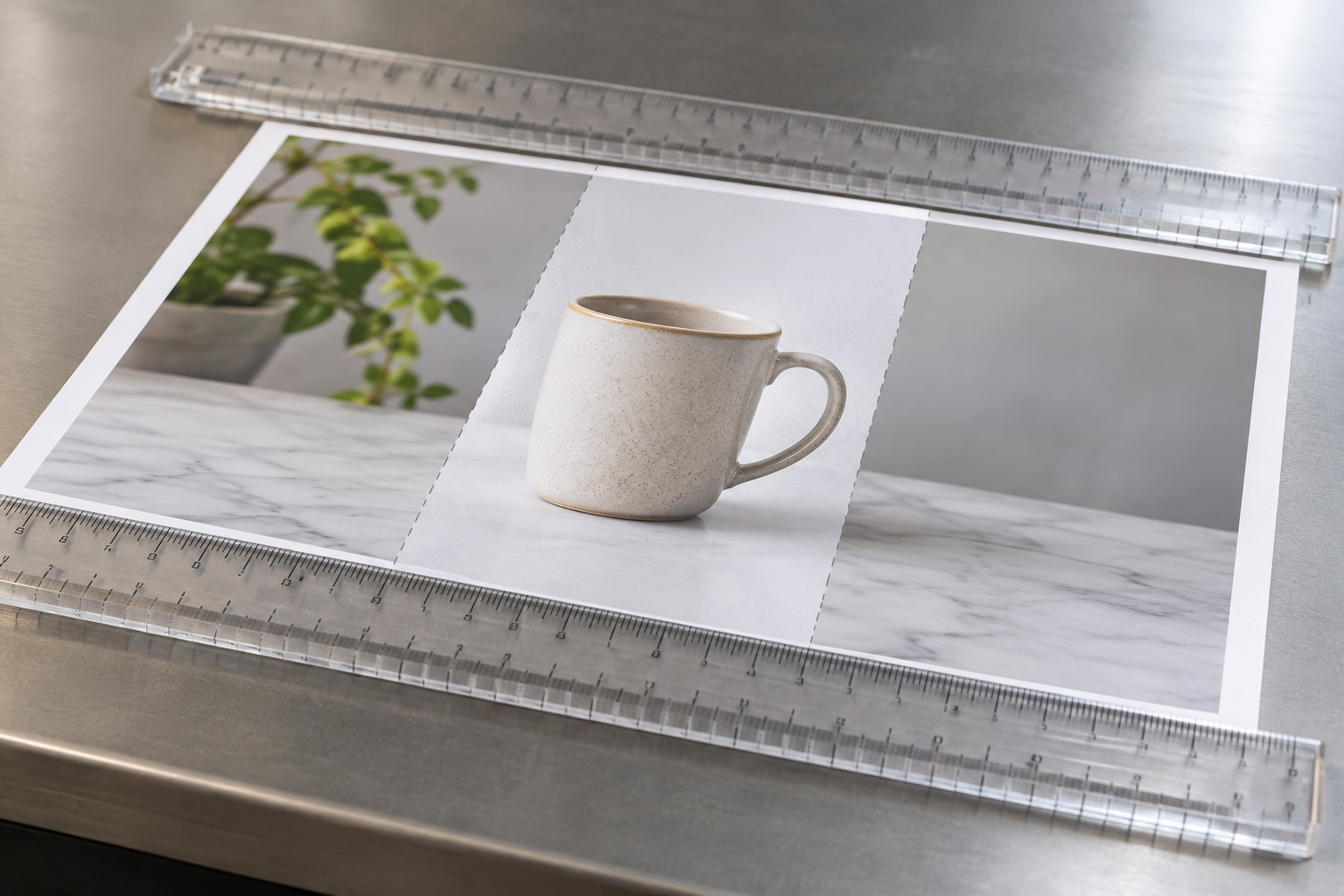
Content-aware scale website image workflows resize a picture while trying to protect important subjects from distortion. The cost ranges from the time spent using existing editing tools to ongoing software and production expenses. For a business website, the value depends on how often images need different shapes, how carefully they must be reviewed and whether simpler cropping would work.
This guide focuses on image resizing, not automatically scaling the number of articles on a website. Content-aware scaling can help adapt an existing photograph to a banner or other layout, but it does not replace responsive design, image compression or editorial judgement.
What Does Content-Aware Scale Mean for a Website?
Ordinary resizing changes the dimensions of the whole image. If you change width and height by different proportions, people, products and text can look stretched. Content-aware scaling instead attempts to change less important areas more than visually important ones. Results depend on the image, the tool and how much you ask it to change.
Imagine a wide photograph of a shop interior with empty wall space around a product display. A moderate width adjustment may be less noticeable if the tool can alter the wall while preserving the display. A tightly framed photograph containing faces, lettering and straight architectural lines is a harder candidate: distortion can quickly become obvious.
Adobe describes how its Content-Aware Scale feature in Photoshop works and how to protect selected content. Other tools may offer related resizing or AI-assisted features, but their controls and results differ. Check the current product documentation before assuming a particular feature is included in a plan.
The practical question is not whether every image can be made to fit. It is whether a specific image can be adapted more efficiently than it can be cropped, replaced, re-shot or redesigned.

What Does a Content-Aware Scale Website Workflow Cost?
There is no single price for adapting website images. The total depends on the software you already have, the number and complexity of images, the quality standard and the time needed to check each result. The table describes cost categories rather than current subscription prices; verify any tool's pricing and licensing before committing.
| Approach | Typical cost considerations | Potential value | Best fit |
|---|---|---|---|
| Crop and resize with existing tools | Staff time; any tools already available | Simple, predictable output without a new purchase | Images with enough space around the subject |
| Use an existing professional editor | Existing licence, training and review time | More control over protected subjects and difficult edits | Teams already editing brand or product photography |
| Subscribe to a new editing tool | Current subscription, user seats, possible usage limits and training | Access to capabilities the team does not already have | Recurring image work where those capabilities are genuinely needed |
| Outsource image editing | Supplier quote, briefing, revisions and turnaround | Specialist help without building the full workflow in-house | Occasional complex edits or limited internal capacity |
| Commission new imagery or layouts | Photography or design fees, production planning and approvals | Assets designed for the actual placements | High-stakes campaigns or images that cannot be adapted safely |
A free or already-licensed tool can still be expensive in practice if every image needs lengthy correction. Equally, a paid editor may be poor value when ordinary cropping produces the required result. Compare the full task, from finding the source file to checking the published page, rather than comparing licence fees alone.
When requesting an external quote, provide the source files, target dimensions, intended placements and examples of acceptable results. Ask whether the price includes manual corrections, revisions, multiple exports and permission to use the finished files in each relevant channel.
Where Does the Value Come From?
The main potential benefit is reuse. A business may have a good original image that nearly fits a new website placement. Carefully changing the less important parts can preserve more of the subject than a conventional crop, without commissioning a replacement image.
There can also be a production benefit. If a designer already has an appropriate editing tool and a clean source file, adapting one image may be quicker than sourcing alternatives. That is a possibility, not a guarantee: a difficult image can take longer to repair than to replace.
Brand consistency matters too. Using the same genuine product or location imagery across different page layouts can make a website feel coherent. The edit must remain faithful, however. If a reshaped product no longer accurately represents what a customer will receive, the consistency is cosmetic rather than useful.
Hypothetical example: a small retailer wants to use an existing photograph in a shallower homepage banner. The product sits in the centre, with plain background on both sides. The owner could test a crop first, then try a modest content-aware adjustment if the crop removes too much context. If either version distorts the product or cuts off essential details, a different image is the safer choice.
For agencies, value may come from a repeatable decision process across client sites: identify the placement, test the simplest edit, review the result and record the approved source. The same process helps prevent repeated work when the site is redesigned later.

Which Hidden Costs Should You Include?
Preparation: Someone must locate an original file with sufficient quality and confirm that the business has permission to use and edit it. A small image copied from an old page may not be a suitable source for a large banner.
Editing and correction: Selective scaling may create warped edges, repeated textures or stretched objects. Protecting important areas and repairing the background can take more time than the initial transformation. Keep an untouched original so the edit can be revised or abandoned.
Review: A person familiar with the subject should check faces, products, logos, text and any meaningful details. Product images deserve particular care: a shape, label or proportion that matters to the purchase should not be altered to fit a layout.
Exports and implementation: The image needs to work in its actual page component, not just in an editor. A site may display a different crop on a narrow screen, place text over the image or load a larger file than necessary. Testing and corrections belong in the cost estimate.
Maintenance: Store editable files, export settings and usage notes where the team can find them. A future designer should be able to tell which file is the original, which version was edited and where each export is used.
For an agency, add client approval and handover to the estimate. Agree who checks image accuracy, who can request revisions and whether the client receives editable files. For an owner managing a single site, a short checklist may be enough; a multi-site team may need a shared asset register.
When Is Cropping Better Than Content-Aware Scaling?
Cropping is usually the first option to test. It preserves the proportions of what remains in the frame and can be done in most image editors or website content systems. It works well when the subject has breathing room and the removed area is not important to the message.
Content-aware scaling is worth testing when a crop would remove useful context but the image contains relatively simple areas that can change without misleading viewers. For example, a plain background may be more forgiving than a row of identical products or a building facade.
- Choose a crop when the subject remains clear and the composition still makes sense.
- Test content-aware scaling when a modest adjustment may preserve a composition that a crop would compromise.
- Choose another source image when the required change would affect faces, product proportions, text or other important details.
- Change the layout when forcing the image into a fixed shape creates more problems than it solves.
- Commission new imagery when the placement is important enough to justify an asset designed for it.
Generative image expansion is another possible approach, but it is different from selective scaling: it can create new visual content rather than merely reshape existing pixels. Review any generated additions for accuracy, rights and suitability, particularly where images represent real products, premises or events.
How Do You Build a Reliable Workflow?
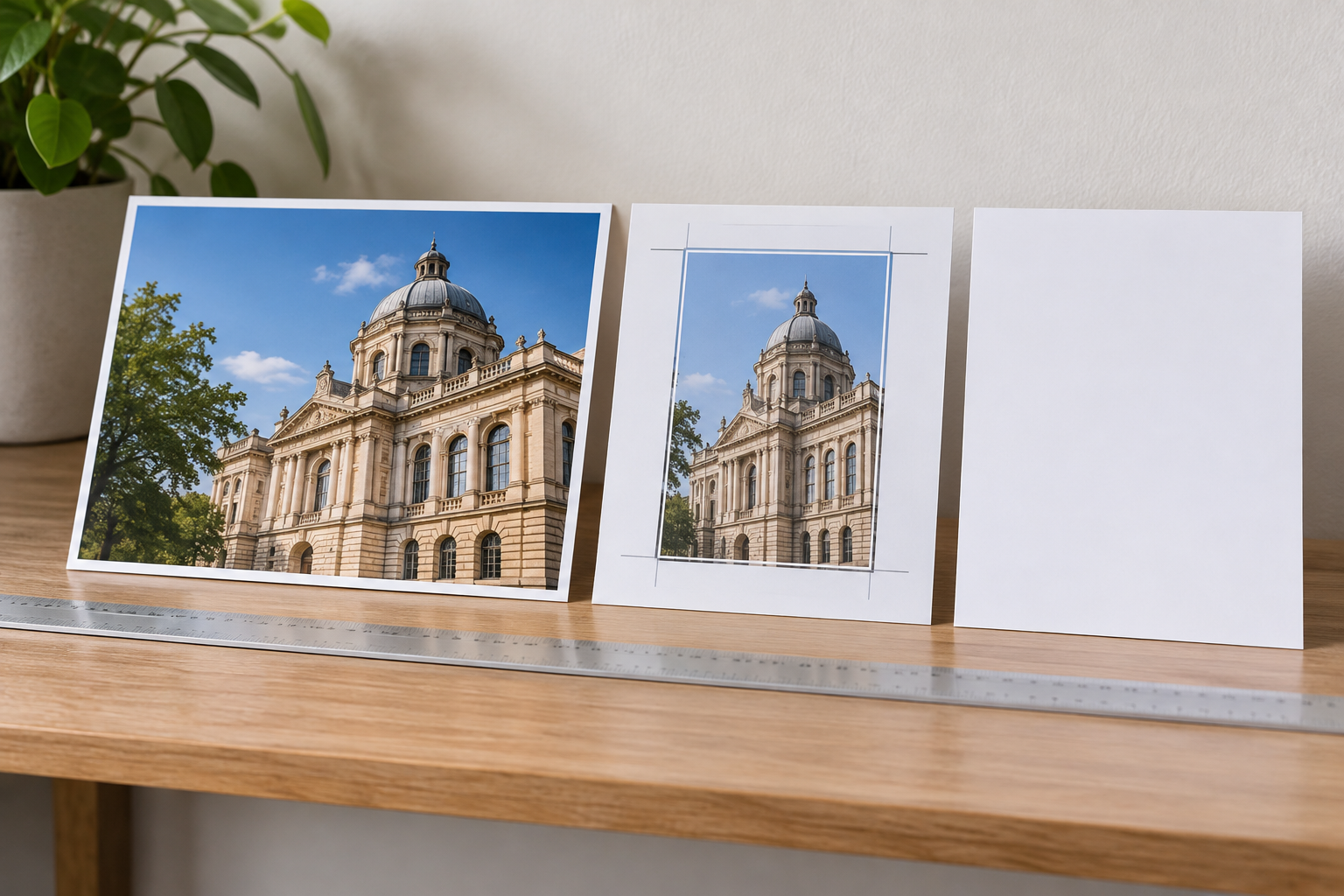
- Define the placement. Note where the image will appear, the available space, the intended focal point and any text or buttons that will sit over it. Check the page layout at more than one screen width.
- Start with the best source. Use an original or high-quality licensed file rather than repeatedly editing an exported copy. Confirm that the intended edit and website use are permitted.
- Test a proportional resize and crop. Preserve the image's aspect ratio while resizing, then see whether cropping gives the page a usable composition. This establishes a simple baseline.
- Try selective scaling only if needed. Protect the subject where the tool allows it, make a modest adjustment and inspect the result. Avoid assuming that the software knows which details are commercially important.
- Check the details. Look at faces, hands, labels, straight lines, repeated patterns and edges. Compare the result with the original and ask a subject expert to review it when accuracy matters.
- Export and test on the page. Select an appropriate file format and dimensions for the placement. Review the published or previewed page on relevant devices, including how the content management system crops the image.
- Save the decision. Keep the source and edited files, and note any restrictions or placement-specific choices. Revisit them if the page template changes.
Responsive delivery and image performance need their own checks. The web.dev guide to images explains concepts such as responsive images, formats and loading. A visually successful edit can still be a poor website asset if it is unnecessarily large or does not suit the layout on smaller screens.
Keep accessibility in the workflow too. Write alternative text that conveys an image's relevant purpose where needed, rather than describing the editing technique. If the image is purely decorative, the appropriate treatment depends on how it is implemented.
For the surrounding page content, use a separate planning process. Epicurus One can help find keywords, prepare on-brand articles and schedule publishing across supported sites; it is not presented here as an image-scaling tool. If you want to simplify that editorial work, start a free trial of Epicurus One.

How Should You Budget for Different Teams?
A business owner with an occasional image task should first check the tools already available and the quality of the source photography. If a crop works, there may be no reason to buy specialist software. If the image is central to a launch and needs complex repair, a one-off supplier quote may be easier to justify than learning a new tool.
A team publishing frequently should look beyond the individual edit. List the recurring placements, who supplies images, who checks accuracy and where final files are stored. A standard process can reduce unnecessary back-and-forth, even when the team uses more than one editing tool.
An agency managing multiple clients should budget separately for production and coordination. One client may permit a broad range of creative image edits; another may require precise product representation and approval of every alteration. Document those expectations before promising a fixed turnaround or fee.
To compare options, use a simple estimate: tool and licence costs + preparation time + editing time + review and revisions + publishing checks. Apply the same scope to each option. If commissioning new photography includes several reusable images, compare that broader deliverable with the full set of edits you would otherwise need.
Keep the estimate flexible. A sample of representative images can reveal whether backgrounds are easy to adapt or whether most files contain difficult details. Test those samples before agreeing a large batch or buying seats for an entire team.
Image production is only one part of a sustainable content budget. For related planning, see the automated content creation cost and value breakdown and the keyword research strategy checklist.

Watch a Content-Aware Scaling Demonstration
A practical demonstration can help you recognise what selective scaling changes and where artefacts appear. Look for a tutorial that shows the original alongside the result, explains subject protection and includes a close inspection of the final image. Use it to evaluate the technique, not as evidence that every photograph will behave the same way.
Frequently Asked Questions
Is content-aware scaling the same as responsive image design?
No. Content-aware scaling edits the image itself; responsive image design concerns how a site selects and displays images across screen sizes and conditions. You may use an edited asset in a responsive page, but you still need to check the page's layout, cropping behaviour and image delivery.
Can I use content-aware scaling on product photographs?
You can test it, but preserve the product's actual shape, proportions, labels and important details. A change that makes an item look different from what customers receive can be misleading. When accuracy is difficult to maintain, crop the background, adjust the layout or use a more suitable photograph instead.
Do I need to buy a new tool?
Not necessarily. Start with the editor and website tools you already have, and see whether a proportional resize or crop solves the problem. Consider a new subscription only after checking its current features, terms and cost against the frequency and difficulty of your image work.
Will editing an image this way improve search rankings?
Selective scaling is not a ranking shortcut. It may help an image fit a useful page layout, but search performance depends on a wider range of factors. Focus on accurate, relevant images, suitable alternative text where appropriate, and a site that loads and displays them well.
Can an agency use the same process for several client sites?
Yes, but the review criteria should reflect each client's assets, permissions and brand requirements. A shared checklist can cover source files, placement, editing, accuracy and handover. Agree who approves changes and keep client assets and usage rights clearly separated.
For help keeping the written side of your website moving, explore the automated content creation and posting playbook. Epicurus One also offers a free site scan and a three-day trial for teams ready to try its scheduled article workflow.