How to Choose and Use Social Media Content Calendar Software
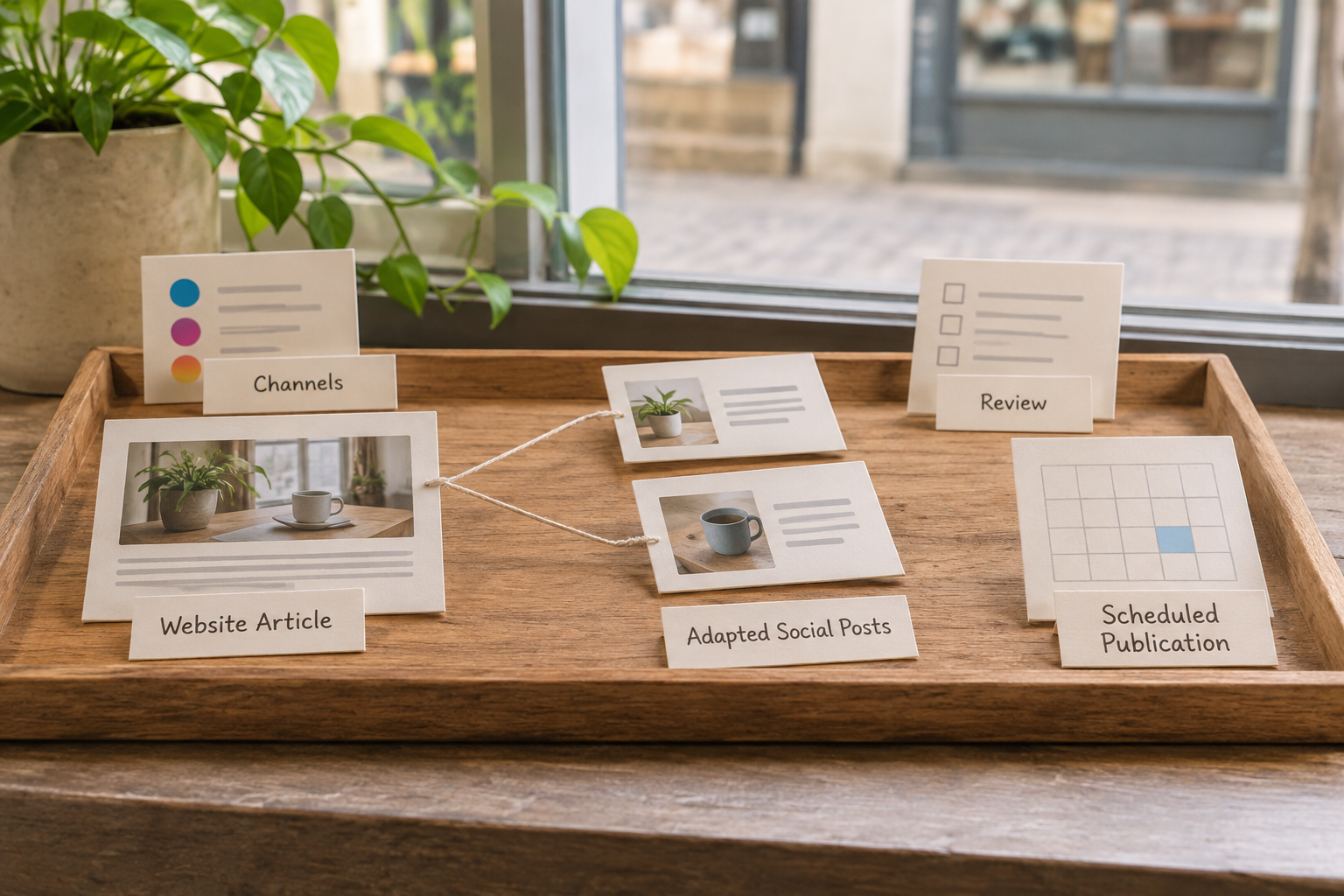
Social media content calendar software helps you plan posts, coordinate reviews and schedule publishing across your chosen channels. To make it useful, choose a tool that supports your accounts and team, then give each post a clear owner, deadline and purpose. A good calendar should make the work easier to see, not simply add another place to manage it.
1. What Should Social Media Content Calendar Software Do?
Start with the work you need to manage, rather than a long list of features. A solo business owner may need a straightforward calendar and scheduling queue. An agency may need separate client spaces, approval steps and permissions that prevent the wrong person from publishing to an account.
At its simplest, the software should show what is planned, where it will appear and what still needs doing. Depending on the tool and platform, it may also let you draft captions, attach media, collect feedback, schedule posts and review performance. Support for individual networks and post formats can change, so check the provider's current documentation before committing.
Write down your essential requirements in plain language. For example: “I need to schedule posts to our business accounts, have a colleague review them and see gaps in the next month's plan.” This gives you a useful test when comparing products.
Separate essential functions from conveniences. A calendar view is not the same as automatic publishing, and an approval comment is not necessarily a permission control. If a feature matters to your workflow, ask the provider how it works for the specific account and content format you use.
2. Which Features Matter for Your Workflow?
Compare tools against the whole journey from idea to published post. The table below helps turn broad feature labels into practical questions. Use it during a trial or product demonstration, and record the answers for each channel you manage.
| Area | What to check | Why it matters |
|---|---|---|
| Channel support | Supported networks, account types and post formats | A tool may support a network without supporting every publishing option you need. |
| Calendar view | Monthly and weekly views, filters, rescheduling and time zones | You need to spot gaps and move work without losing context. |
| Publishing | Direct scheduling versus reminders or manual completion | Some posts may still require a person to finish publishing in the native app. |
| Collaboration | Drafts, comments, approvals, roles and client access | Clear responsibilities reduce confusion and protect accounts. |
| Assets | Media storage, previews and support for your formats | The team can find the right creative and check how a post will look. |
| Reporting | Available metrics, date ranges, exports and account coverage | You can review useful signals without assuming every platform shares the same data. |
| Cost | Limits on users, accounts, posts and paid add-ons | The advertised entry price may not cover your actual setup. |
For an agency, pay particular attention to how accounts are separated. Can a client see only their own content? Can a reviewer comment without receiving publishing access? Can you remove access when an engagement ends? Ask these questions before connecting live accounts.
For a small team, avoid paying for complex workflow options you will not use. A reliable view of upcoming posts, a simple review process and clear publishing support may be more valuable than a large collection of features that requires constant administration.
3. How Do You Test a Tool Before Committing?
Choose a representative piece of content and take it through the full workflow. An attractive calendar is useful, but the real test is whether the tool helps you publish the posts you actually make.
- Connect a suitable account. Check the permissions requested and use a business account you are authorised to manage.
- Create a draft. Add a caption, link and representative media. Check whether the preview is useful for the intended network and format.
- Invite a reviewer. Ask them to leave feedback and confirm whether they can see or change anything outside their remit.
- Schedule or prepare a post. Check the time zone and whether publishing is direct or requires a notification and manual action.
- Inspect the outcome. Once the post is live, compare it with the draft and check where the tool reports errors or account disconnections.
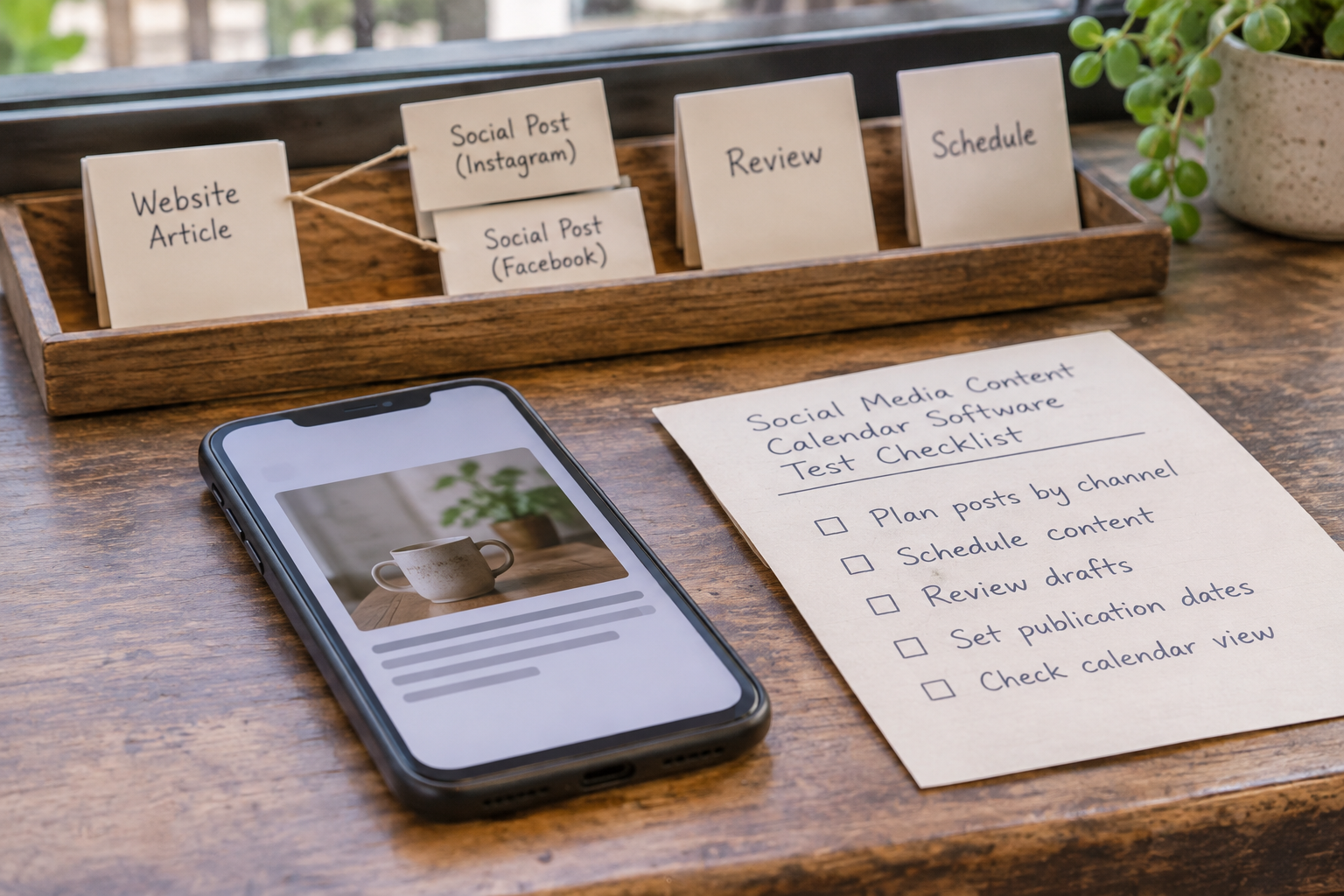
Do not use a sensitive announcement as your first test. A routine post gives you room to learn the process. If you cannot safely publish during a trial, walk through the steps up to scheduling and ask the provider to explain what happens afterwards.
Check the commercial terms too: trial duration, required payment details, cancellation process and what happens when you exceed account or user limits. Keep a note of any features that are available only on a higher plan. The right choice is the one that fits your workflow and budget, not necessarily the one with the longest feature list.
4. Set Up Accounts, Roles and a Review Process
Once you have chosen a tool, connect only the accounts you intend to manage. Use each network's recommended sign-in process, review requested permissions and make sure a responsible person can regain access if a team member leaves. Avoid sharing passwords in comments or calendar entries.
Give each participant a clear role. In a small business, one person might draft and schedule while the owner reviews promotional claims. An agency might have a strategist, creator, client reviewer and publisher. The job titles matter less than knowing who can change a post and who has the final say.
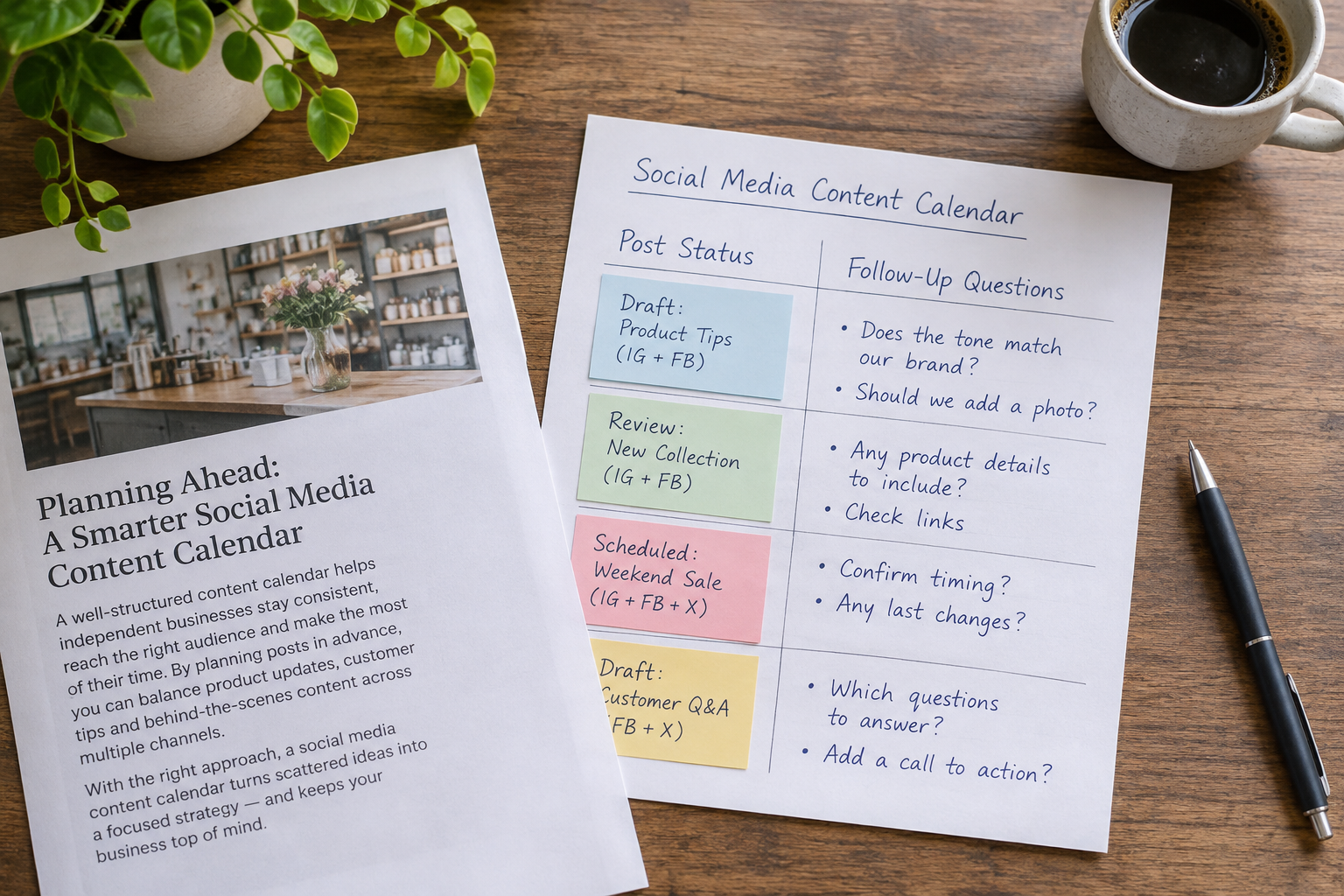
A practical status sequence is idea → drafting → review → ready to schedule → scheduled → published. Add a separate status for posts that are paused or need revision. Agree what each status means: for example, “ready to schedule” should indicate that the caption, creative, destination link and any required approvals have been checked.
Set a review deadline before the intended publication date. Build in enough time for revisions and for the person scheduling to resolve account or formatting issues. If a reviewer is unavailable, identify a backup rather than leaving a post in limbo.
For agency work, agree whether the client approves every post or only certain categories. Document how urgent changes are requested and who can pause scheduled content. If the software cannot enforce a desired permission, use a simpler process that keeps publishing access with the appropriate person.
5. Build a Calendar Around Useful Content
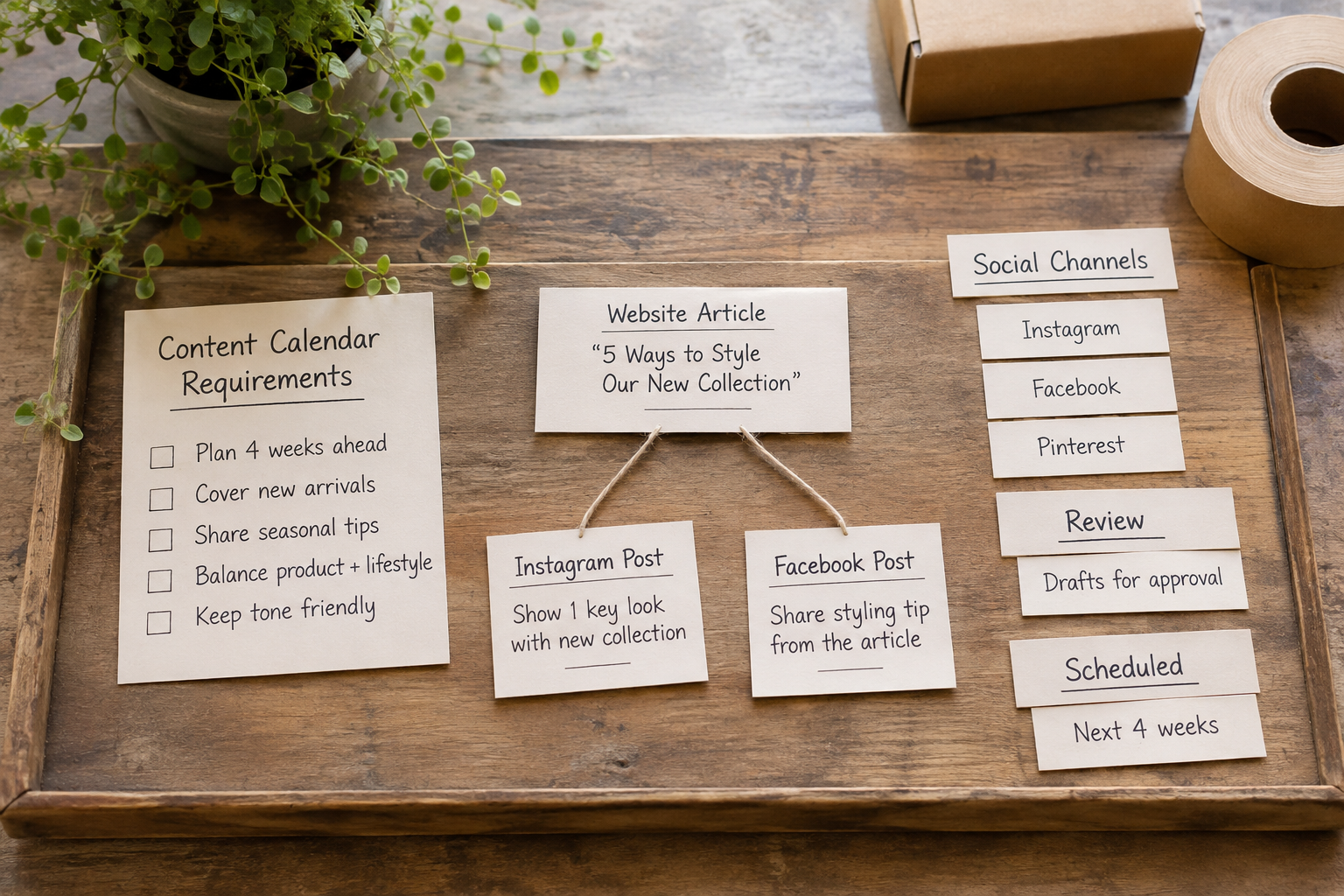
Start with the questions your customers ask, the services you offer and the moments when people need help making a decision. Then add timely items you can genuinely support, such as a product update, event or seasonal reminder. A calendar is most useful when it balances business priorities with content your audience has a reason to read.
Choose a manageable planning horizon. A month at a time often gives a small team enough visibility to coordinate without locking every detail too far in advance. Keep some space for timely updates, customer questions and changes to your business.
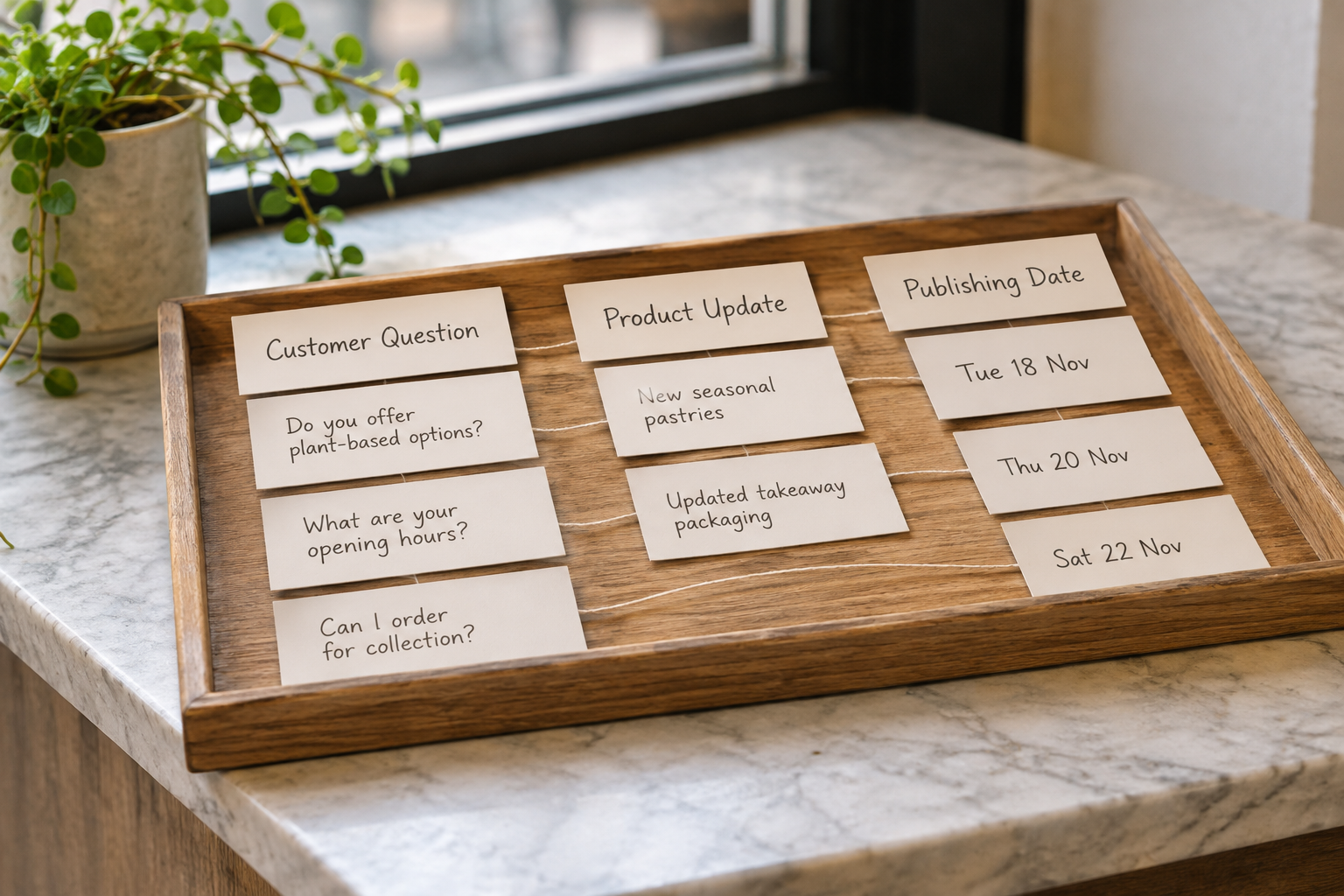
For each proposed post, record the following:
- Purpose: what the post should help the audience understand or do.
- Channel and format: where it will appear and whether it is a text post, image, video or another supported format.
- Core message: the point the audience should take away, expressed in one sentence.
- Owner and reviewer: who prepares it and who checks it.
- Assets and links: the source material, creative files and final destination.
- Dates and status: when the draft is due, when it should publish and what remains to be done.
Consider a hypothetical independent garden shop. Its plan might include an answer to a common plant-care question, a short introduction to a product range and a link to a useful article on its website. Each post has a different purpose; none needs to be scheduled merely to fill an empty square.
Keep recurring themes flexible. If a planned product is unavailable or a customer question deserves a fuller answer, update the calendar. Your schedule should reflect what the business can deliver now, not force you to publish outdated information.
If your team also struggles to keep website articles moving, Epicurus One can help plan and publish SEO content alongside your social workflow. Start a free trial of Epicurus One to explore its keyword research, content calendar and website publishing features.
6. Connect Social Posts With Website Content
Your website and social channels can support one another without repeating the same message everywhere. A helpful article can provide the substance for several distinct social posts: a common question, a practical tip or an explanation of a decision. Adapt each post to the channel and make it useful even when someone does not click through.
Begin with an article that answers a genuine customer question. Identify its main takeaway, then select a small number of points that stand on their own. Write a fresh caption for each one and link to the article where appropriate. Check that the destination works on mobile and that the page delivers what the post promises.
To find article topics, use a structured approach to customer language and search intent. The keyword research strategy checklist covers the steps from collecting ideas to choosing relevant opportunities. Keyword research can inform your social plan too, but a search phrase is a starting point for a useful message, not a caption to repeat mechanically.
Epicurus One focuses on website SEO content: it finds keywords, writes on-brand articles and can publish to WordPress, Shopify and Wix, or via Make or Zapier. Its content calendar is for managing that website content. Check a separate social scheduling tool for the networks, formats and approvals you need; do not assume that website auto-publishing also schedules social posts.
For a closer look at the website side of the process, read the automated content creation and posting playbook. If you are comparing planning tools more broadly, the content calendar software myths and facts guide can help you assess the claims behind their features.
7. Prepare, Check and Schedule Each Post
Batching similar work can make a calendar easier to maintain. Draft related posts together, gather assets in one place and send a coherent group for review. Still check each item on its own merits: an accurate source article does not guarantee that every shortened caption remains accurate or clear.

Use this pre-publishing checklist:
- Check the message. Is it clear, current and appropriate for the audience? Can the business substantiate any factual or promotional claim?
- Check the creative. Do you have permission to use the image, video or music? Is the crop suitable for the intended placement?
- Check accessibility. Add useful alternative text where supported, make text in visuals readable and consider captions for video. The W3C Web Accessibility Initiative offers guidance on accessible digital content.
- Check the link. Open the destination, confirm it is the intended page and remove tracking parameters you do not need.
- Check disclosures. If content includes an endorsement or commercial relationship, identify the disclosure requirements that apply. The FTC guidance on endorsements and influencers is a useful starting point for US-facing content; check relevant local rules elsewhere.
- Check the schedule. Confirm the date, time zone, account and required review status before publishing.
Keep a short record of the source for claims and the location of original assets. That makes future corrections easier. If a post is scheduled far ahead, check whether its offer, availability or linked page could change before publication.
After scheduling, look for failed posts and expired connections rather than assuming every item went live. Decide who handles replies and questions as well: scheduling the post is only one part of the interaction.
8. How Can You Review and Improve the Calendar?
Set a regular review that is proportionate to your workload. Look at whether posts were published as planned, how much review or rework they required and whether they prompted useful audience responses. A calendar that saves planning time but creates a large approval backlog still needs adjustment.
Choose measures that match the post's purpose. For a question-led post, relevant replies may help you understand what customers need next. For an article link, visits to the destination may be useful to inspect alongside what visitors do there. Platform metrics are not interchangeable, and a change in a number does not by itself explain why it happened.
Record observations rather than overclaiming. For example, note that a particular question generated several relevant comments, then use those questions to plan a follow-up. Avoid drawing firm conclusions from one post or copying a competitor's schedule without knowing their goals and resources.
At the end of each review, make a small number of decisions: which topics to continue, which posts need updating and where the workflow is slowing down. Remove recurring tasks that no longer serve a purpose. If the volume feels difficult to sustain, publish less often and protect the time needed for quality and responses.
Video: See a Social Calendar Workflow in Action
A practical demonstration can help you understand how calendar views, approvals and scheduling fit together. Compare any example with your own channels and check current product documentation before relying on a feature.
As you watch, look for the points where a person still needs to review, connect an account or complete a post manually. Those details are often more useful than a feature tour alone.
Frequently Asked Questions
Can a social media calendar replace a content strategy?
No. It helps organise the execution of a strategy, but it cannot decide what your audience needs or which business priorities matter. Define your audience, useful topics and goals first. Then use the calendar to assign ownership, coordinate reviews and make sure the planned content actually gets published.
How far ahead should I plan social posts?
Plan far enough ahead to gather assets and get feedback without rushing, while leaving room for changes. A monthly view can be a practical starting point for a small team. Review scheduled posts when product availability, events or other circumstances change, and pause anything that has become inaccurate or inappropriate.
Do all scheduling tools publish every post automatically?
No. Publishing support varies by network, account type and content format. Some workflows may use a reminder that asks a person to finish the post in the native app. Check the provider's current documentation and test the exact format you plan to use before building your process around automatic publishing.
What should an agency look for in client access?
Look for clear separation between clients, appropriate permissions and a straightforward way to collect feedback. Confirm whether clients can view drafts without accessing other accounts, and whether approval rights are separate from publishing rights. Agree who owns connected accounts and how access will be removed when the work ends.
Can I use the same content on every social channel?
You can reuse the underlying idea, but adapt the wording, creative and destination to each channel and audience. Check format requirements and make sure the post makes sense in context. Reusing a helpful website article is often more effective when each social post highlights a distinct, useful point rather than copying the introduction.
Ready to make website content part of your plan? Explore Epicurus One to scan your site and start a three-day free trial with daily articles.