Google Keyword Research and Strategy for Business Websites
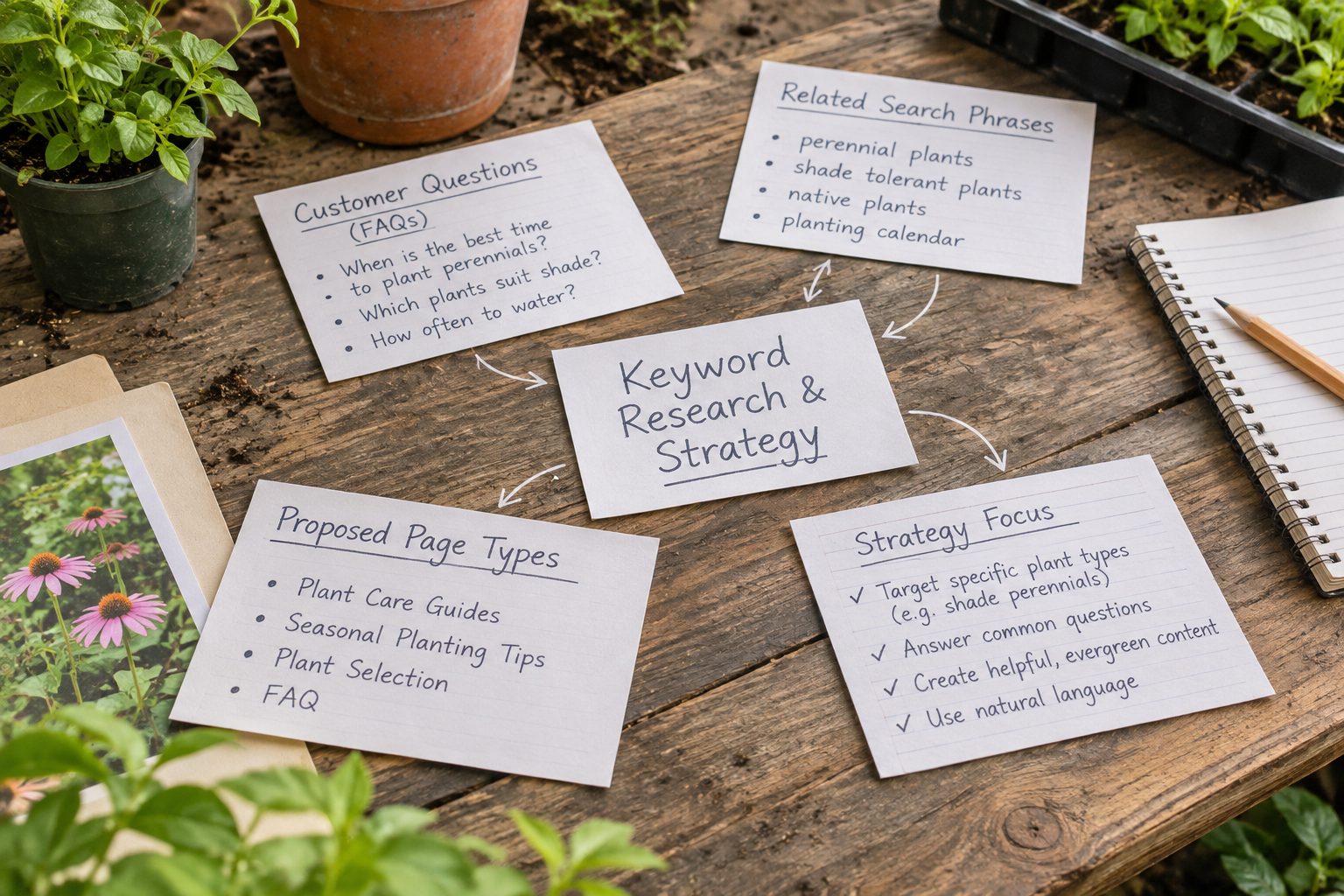
Google keyword research and strategy means finding the searches your customers make, choosing the ones your business can answer well, and creating or improving pages to match them. Start with customer questions and Google’s own tools, then prioritise topics by relevance, search intent and the effort needed to produce a genuinely useful page.
You do not need to chase every phrase with a high search volume. A focused plan helps a busy business owner or agency decide what to publish, what to update and what not to pursue. The tips below turn an initial list of ideas into a manageable publishing process.
1. Start With What Customers Actually Ask
Before opening a keyword tool, write down the questions you hear during enquiries, sales calls and support conversations. Look at how customers describe their problem, not just how your business describes its service. Their language is often more useful than internal terminology.
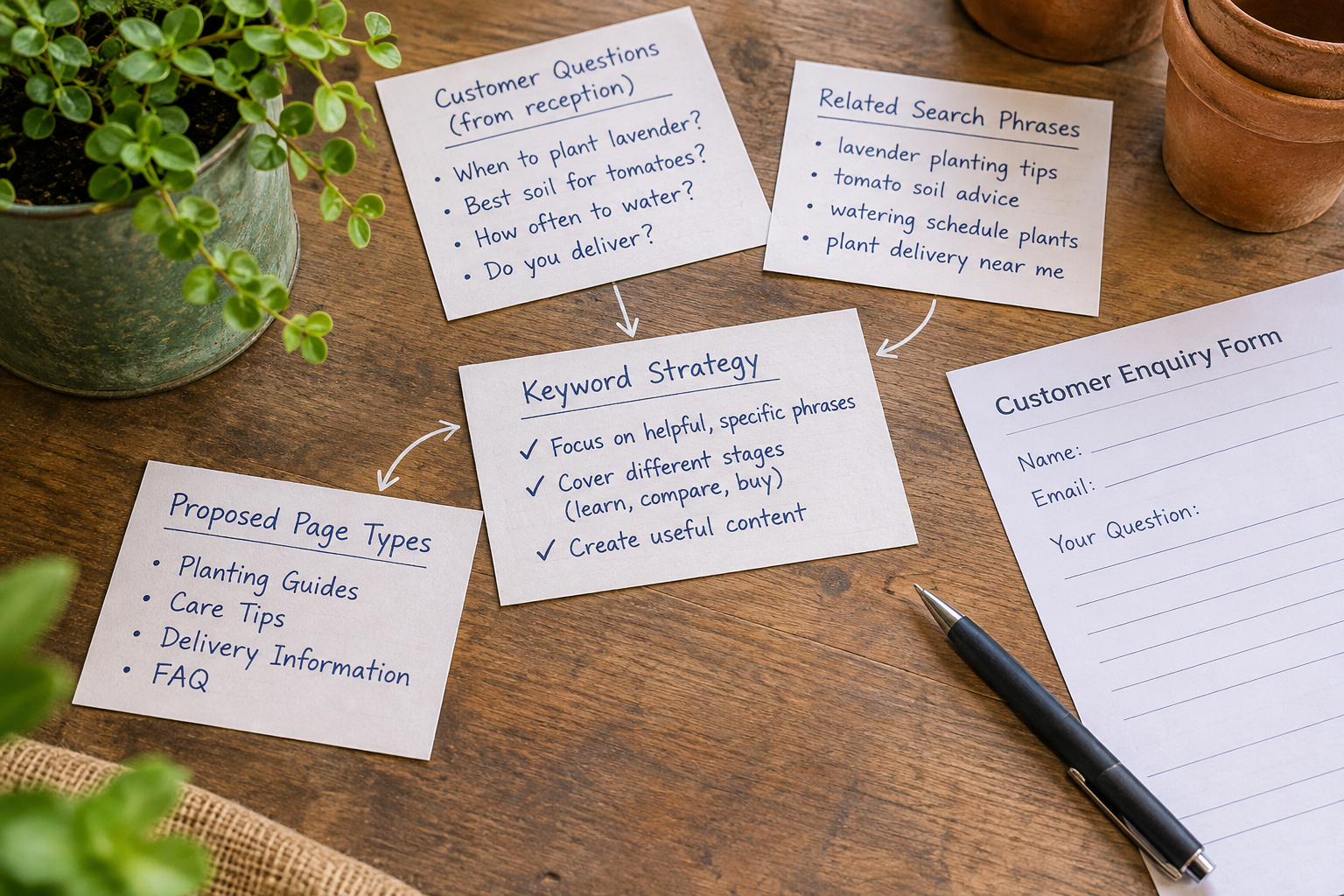
Group these questions into broad themes: problems, solutions, comparisons, costs and practical use. For example, a business selling garden irrigation equipment might note questions about watering raised beds, choosing a timer and maintaining a drip system. Each theme gives you a starting point for research; it does not automatically need a separate article.
- Ask customer-facing colleagues which questions come up before a purchase.
- Review your own enquiry forms, support messages and site search terms, where available.
- Note seasonal concerns and questions that arise after purchase.
- Remove personal information before sharing customer messages with a team or tool.
Include commercial topics as well as educational ones. Someone looking for a product category may need a clear category page, while someone trying to solve a problem may benefit from a guide. Both can be relevant to a business, but they require different responses.
When collecting questions, note the circumstances behind them as well as the words used. A customer choosing a system for a small raised bed may need different guidance from someone maintaining an existing installation. Record what the person is trying to accomplish, what they already know and where they seem uncertain. These notes can later help a writer decide which examples, explanations and next steps belong on a page. Keep the original phrasing alongside your summary so useful customer language is not lost.
2. Which Google Tools Should You Use?
Google Search itself is a useful starting point. Search for a seed phrase and examine the results: the kinds of pages that appear, the language they use and the related questions visible on the page. Results can vary by location and over time, so treat what you see as evidence to investigate, not a permanent rule.
Google Keyword Planner can help you discover related terms and explore estimated search demand. It is designed for advertising, so figures and competition indicators should not be mistaken for a precise forecast of organic visits or an organic ranking difficulty score. Check the location and language settings before comparing ideas.
If your site is already indexed, Google Search Console can show queries and pages associated with your site’s performance in Google Search. Use it to spot pages that already receive impressions for relevant questions, then decide whether the existing content answers those questions adequately.
Keep a simple record of the source of each idea. A phrase found in customer enquiries has a different kind of evidence from one suggested by a planning tool. Together, they help you judge both business relevance and potential demand.
To make the tools easier to compare, begin with a small set of themes rather than exporting every suggestion you find. For each theme, note the search terms, the location and language used, and any page on your site that already addresses it. In Search Console, look at the page as well as the query: an impression is a reason to inspect the match, not proof that the page needs a new section. Where there is little site data, return to customer questions and visible search results rather than treating missing data as a verdict on the topic.
3. How Do You Match Keywords to Search Intent?
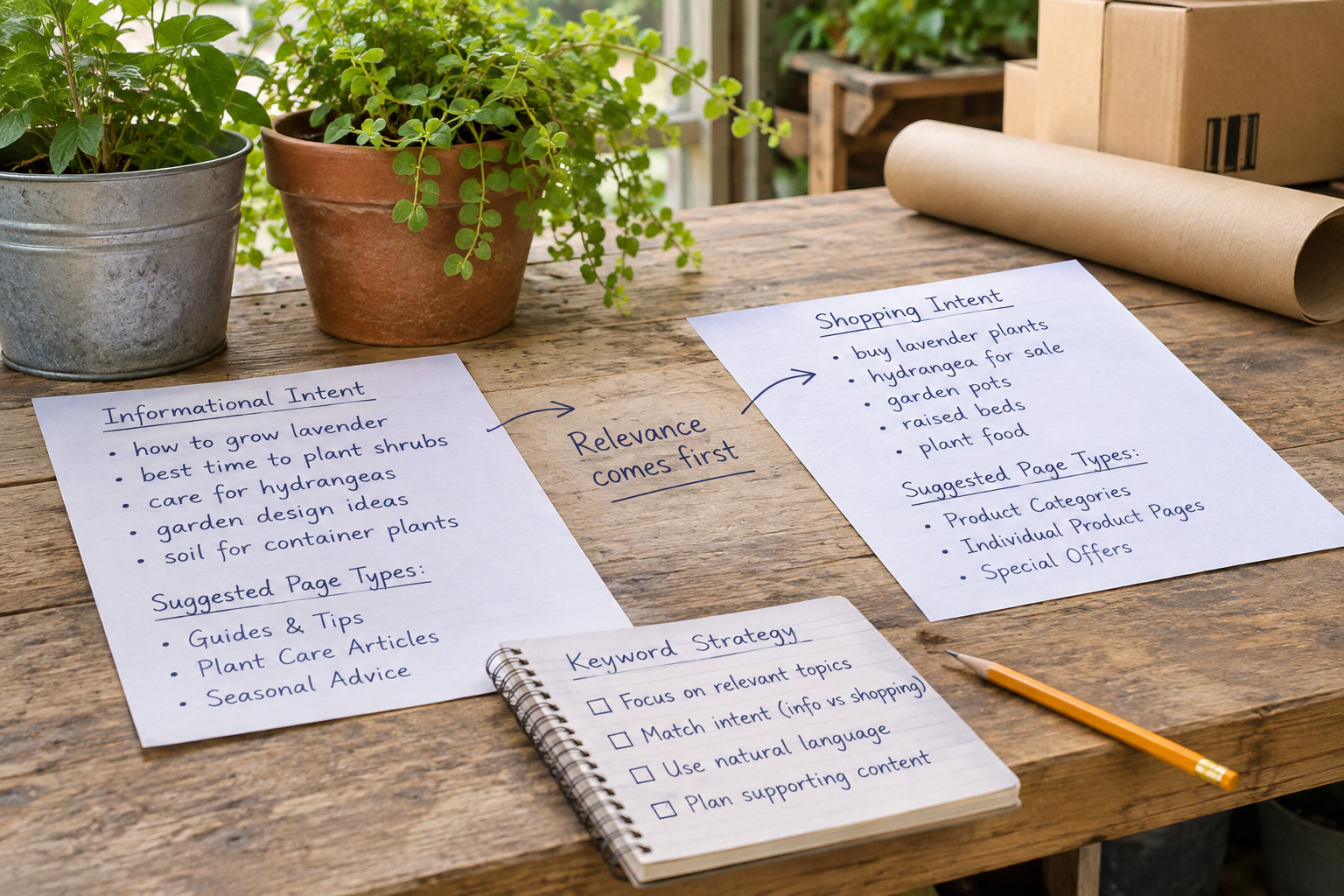
Search intent is the likely task behind a query. A person searching for “how to install drip irrigation” is probably looking for instructions; someone searching for “drip irrigation kits” may want to browse products. Check the actual results before deciding which page to create, because wording alone can be ambiguous.
| Likely intent | Example search | Useful page | What to check |
|---|---|---|---|
| Learn | How to water raised beds | Practical guide | Does it answer the main question clearly? |
| Compare | Drip irrigation versus sprinkler | Comparison article | Does it explain trade-offs fairly? |
| Choose | Best irrigation timer for a small garden | Selection guide | Are recommendations supported and relevant? |
| Buy | Drip irrigation kits | Product or category page | Can visitors inspect suitable options? |
| Find a provider | Garden irrigation installer near me | Relevant local service page | Does it accurately describe the service area? |
These examples are illustrative, not a guarantee of what Google will show. Some searches have mixed intent. If the results include both guides and product pages, consider which response you can provide most helpfully and whether an existing page can serve that need.
Do not force a sales page to answer every informational query, or publish a broad article when shoppers clearly need a product listing. A useful next step can connect the two: a guide might link to a relevant category, while a category page can link to detailed installation advice.
When reviewing results, look beyond the titles. Open representative pages and note whether they provide instructions, comparisons, product options or service details. Consider what a visitor would need to do after reading each one. A comparison page, for example, should explain meaningful differences before directing someone to a product; an installation guide should address the task rather than relying on a sales message. Use these observations to shape your own response, not to copy another page’s structure.
4. Group Related Phrases and Map Them to Pages
Once you have a list, group phrases that express substantially the same need. “How to set up drip irrigation” and “installing a drip watering system” might belong in one installation guide if the search results and intended answer overlap. Different wording does not automatically justify a new page.
Give each group a working page title, a primary topic and a note about the reader’s next step. Then search your own site for an existing page that already covers it. Updating a relevant page may be more useful than creating another article that repeats it.
- Choose a representative phrase that describes the main topic naturally.
- List related questions the page should answer.
- Record the existing or proposed URL and page type.
- Note what your business can add, such as practical experience, product details or original guidance.
- Assign an owner and a review date.
For a deeper process, use this keyword research strategy checklist to turn topic groups into decisions. The goal is a clear map, not a promise that every phrase will rank separately.
A page map can be a shared spreadsheet with one row per proposed or existing page. Add columns for the main reader need, related questions, page type, URL and owner. If two rows appear to answer the same question for the same audience, inspect the pages before commissioning another draft. They may need clearer distinctions, or one existing page may be suitable for an update. Keep genuinely different tasks separate: choosing a kit and installing it can involve related terminology without requiring identical answers.
5. Prioritise Topics You Can Serve Well
A realistic Google keyword research and strategy plan considers more than estimated volume. Ask whether the topic is relevant to your offer, whether your team can answer it accurately, and whether the page is likely to help a reader take a useful next step. Also consider the quality and type of pages already appearing in search.
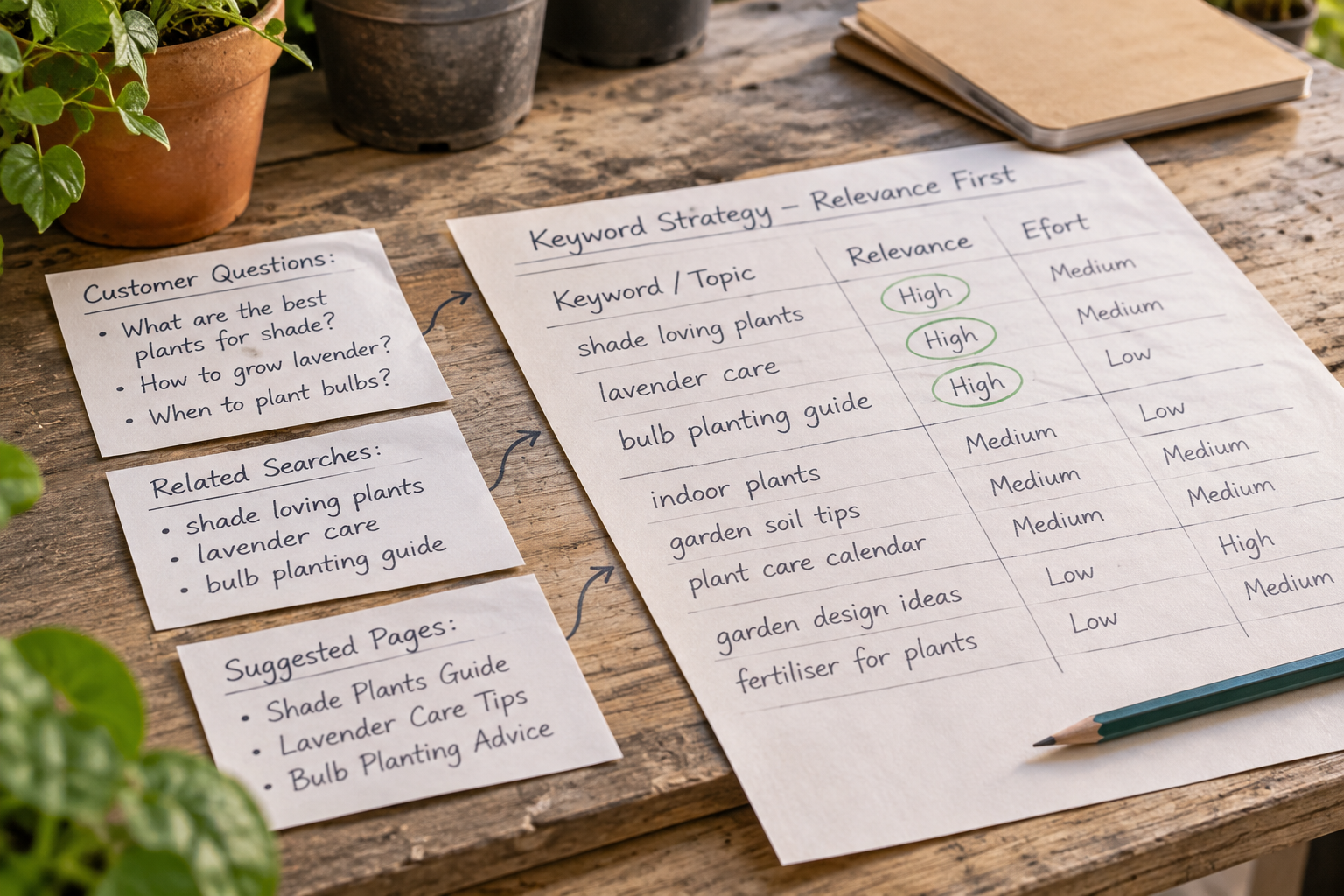
Use a simple high, medium or low assessment for business relevance, evidence of demand and production effort. This is a decision aid rather than a scientific score. A highly relevant question with modest apparent demand may deserve attention before a broad phrase that attracts people outside your market.
For a clearly hypothetical example, imagine a small irrigation retailer choosing between a general article about gardening and a guide to choosing a drip kit for raised beds. The second topic is closer to its products and may be easier to make distinctive using product knowledge. The retailer should still inspect search results and its own existing pages before committing.
Set aside topics that require expertise you do not have or claims you cannot substantiate. If a query calls for local availability, current pricing or technical specifications, make sure the responsible person can verify those details and keep them updated.
When two ideas look equally relevant, compare the work needed to make each page useful. An update to an existing guide may require a product check and a clearer explanation, while a new comparison may need several options assessed fairly. Note those dependencies before assigning dates. You can also distinguish a topic that is ready to brief from one awaiting expert input. This keeps an attractive idea on the list without presenting it as ready for publication.
6. Turn the Research Into a Publishing Workflow
Put the strongest page ideas into a content calendar with an owner, a target publication date and a review step. A useful brief need not be long: include the reader’s question, likely intent, proposed page type, important subtopics, relevant internal pages and any facts that need checking.
For each draft, check that the opening answers the central question, headings reflect the topic naturally and examples are accurate. Add descriptive links where they genuinely help readers continue their task. Avoid inserting a phrase repeatedly just to hit a count; clarity and usefulness matter more than a rigid keyword quota.
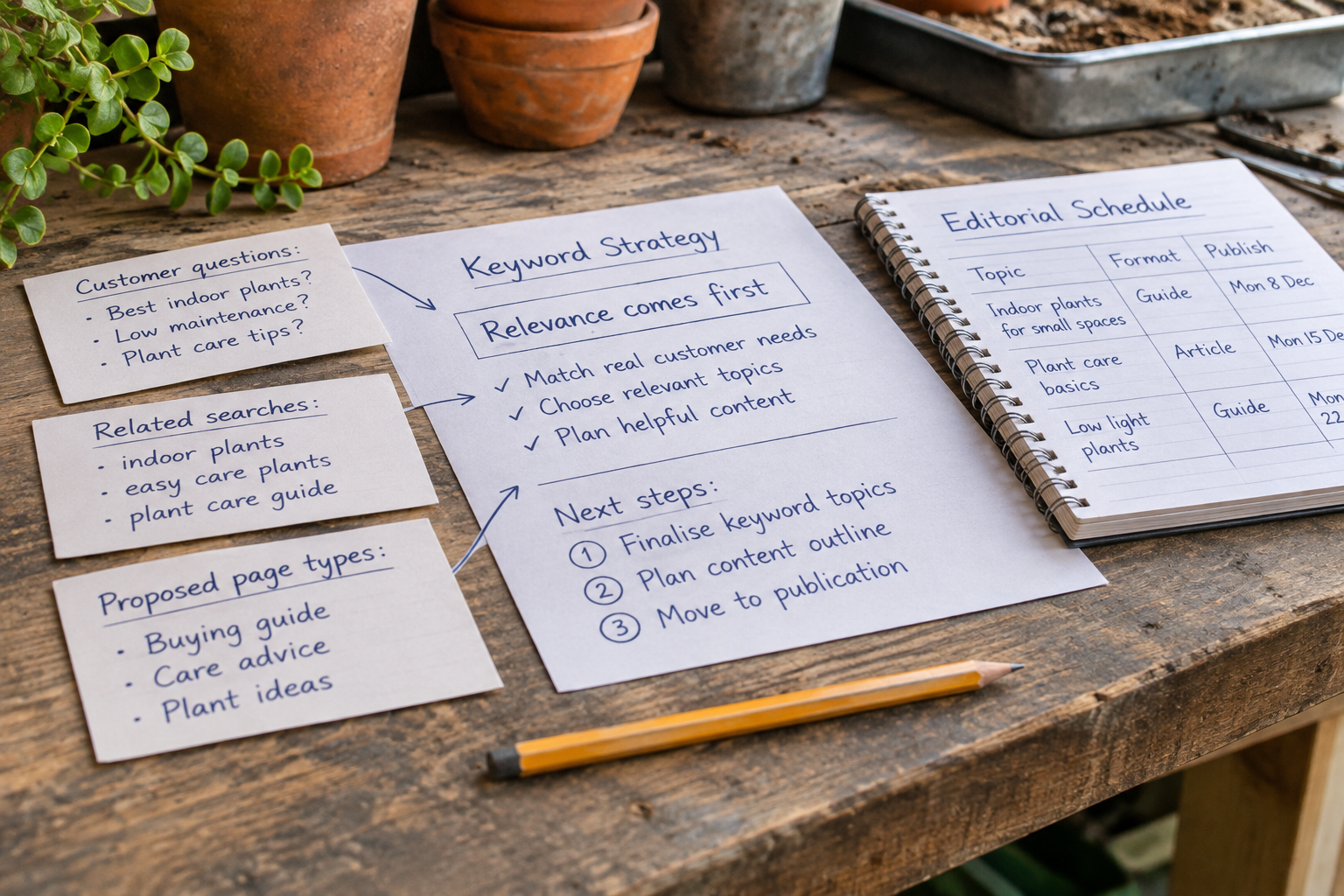
Automation can reduce repetitive work, but it does not remove the need for editorial judgement. Check generated copy for unsupported claims, outdated details and a tone that fits the business. Confirm that product references, links and calls to action make sense on the published page.
Before scheduling, give the reviewer a concise checklist: confirm the page answers the brief, check claims against the information supplied by the business, test links and identify any details that will need a future review. If a claim cannot be verified, revise or remove it rather than leaving it for the reader to resolve. After publication, open the live page and check that the formatting and links work as intended. Record the publication date and the person responsible for future updates.
Epicurus One brings keyword research, a drag-and-drop calendar and scheduled publishing together. It connects directly to WordPress, Shopify and Wix, with Make or Zapier available for other publishing workflows. You can scan a site free and start the three-day free trial to explore daily articles.
If you are comparing workflows, this automated content creation and posting playbook explains the steps from planning through publication. For agencies, agree who approves content and how access is managed before scheduling work across multiple sites.
7. How Can You Measure and Improve Your Choices?
Return to Search Console after publication to examine which queries and pages receive impressions and clicks. Compare periods with similar conditions where possible, and allow for seasonal demand or changes to the site. Search performance data describes what happened; it does not, by itself, prove why a change occurred.
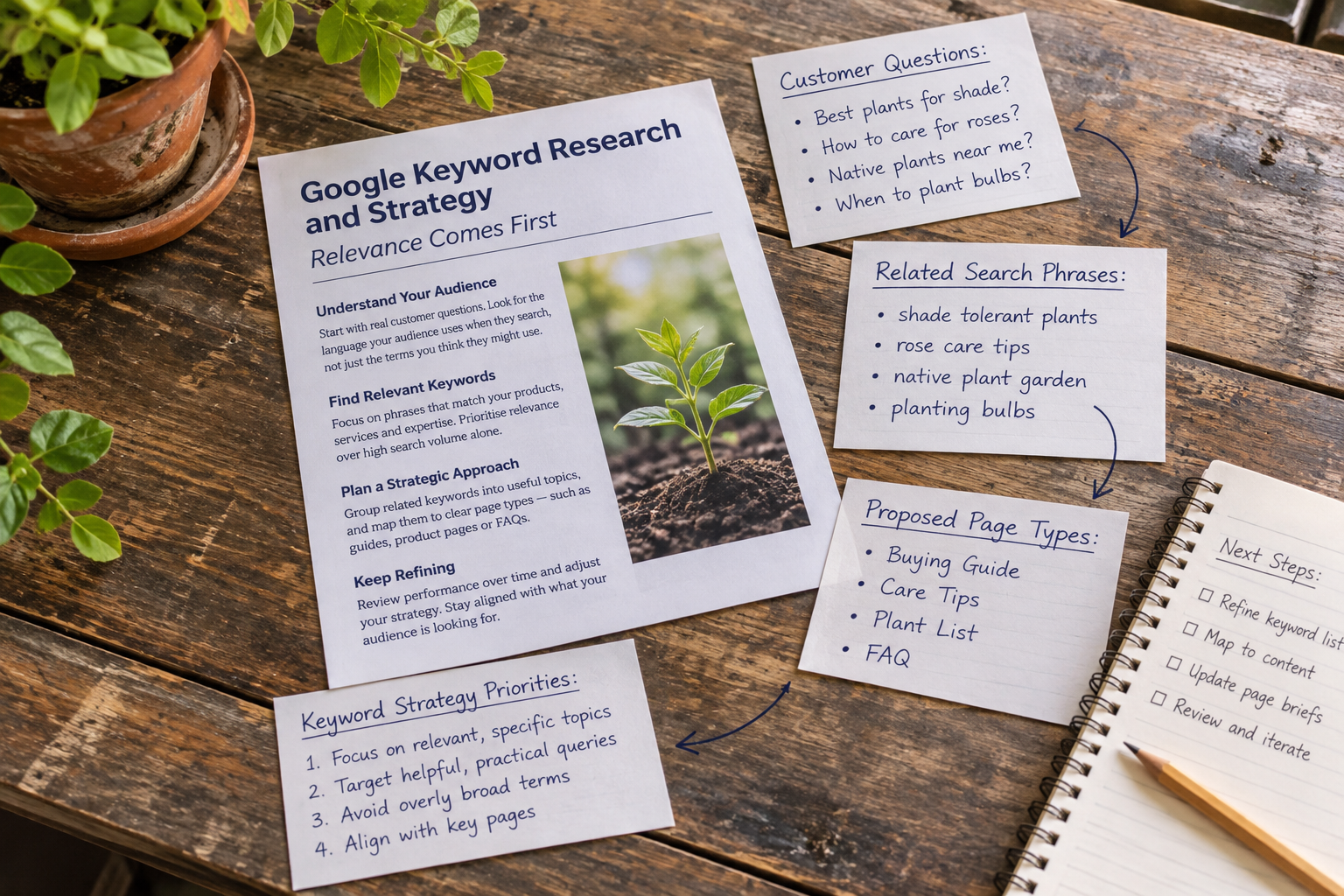
Look for a mismatch between a query and the page shown. If a page appears for an important question but only mentions it briefly, consider adding a useful answer. If the page already answers it well, review whether its title and description accurately convey the content. Do not promise an answer the page does not provide.
- Review important pages for accuracy and broken links.
- Compare related queries with the questions your page actually answers.
- Track enquiries or other meaningful actions using your own analytics setup, where appropriate.
- Record substantial edits so you can interpret later changes with context.
Use Google’s guidance on helpful, reliable, people-first content as a quality check. A page should have a clear purpose and leave its intended reader better informed; publishing at volume is not a substitute for that standard.
Keep a short review log for each important page. Record the date, the question you investigated, the evidence you looked at and any change made. For example, a retailer might notice an installation query, check whether its guide explains the relevant step, and add clarification only if the answer is genuinely missing. At the next review, consider the change alongside seasonal demand and other site edits. Avoid attributing a rise or fall in clicks to one edit without further evidence.
Watch a Keyword Research Walkthrough
For a visual introduction, look for a current walkthrough that shows how to explore terms in Keyword Planner and interpret Search Console queries. Compare the demonstration with your own account settings and remember that tool interfaces and available data can change.
Frequently Asked Questions
Is Google Keyword Planner free to use?
Keyword Planner is a Google Ads tool. You can explore keyword ideas through a Google Ads account, but the detail available in its estimates can depend on account circumstances. Check the current account requirements and settings in Google Ads. Treat its estimates as planning information, not a guarantee of organic traffic.
How many keywords should one page target?
There is no useful fixed number. Focus on one main reader need and cover closely related questions naturally. If two phrases imply substantially different tasks or call for different page types, separate pages may be appropriate. Check the search results and your existing content before deciding.
Should a new website target broad or specific searches?
Start with specific topics that closely match your expertise and offer, while making sure the site also has clear pages for its core products or services. Specific queries can help you define a focused answer, but they are not automatically easy to rank for or guaranteed to attract visits.
Can AI handle keyword research and publishing without review?
AI tools can help suggest topics, draft articles and automate publishing steps, but a person should check relevance, accuracy, links and business-specific claims. Review is especially important for technical, financial or health-related content. Set clear approval responsibilities and revisit published pages when information changes.
Ready to put your research into practice? Start the Epicurus One free trial and build a publishing routine around topics your customers care about.